
Opening Routing Constraint Manager
To open the Routing Constraint Manager:
-
Choose Window – Assistants – Routing Assistant.
Alternatively, right-click anywhere on the layout window menu bar and choose Assistants – Routing Assistant. -
Click Set router constraints
 on the Routing assistant toolbar.
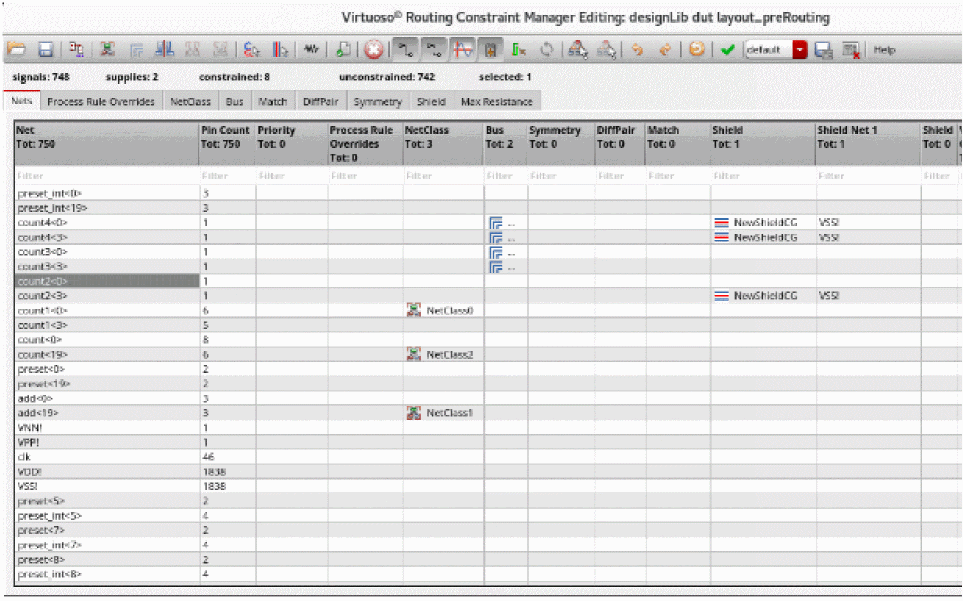
The Virtuoso Routing Constraint Manager is displayed.
Related Topics
Virtuoso Routing Constraint Manager
Routing Constraint Manager User Interface
Accessing the Routing Assistant
Return to top