
By default, the analog instances are grouped into folders named Library Cells. You can set your preference to stop such grouping and display an expanded list of analog instances in the scope tree.
- Click Edit - Preferences.
The Preferences form appears.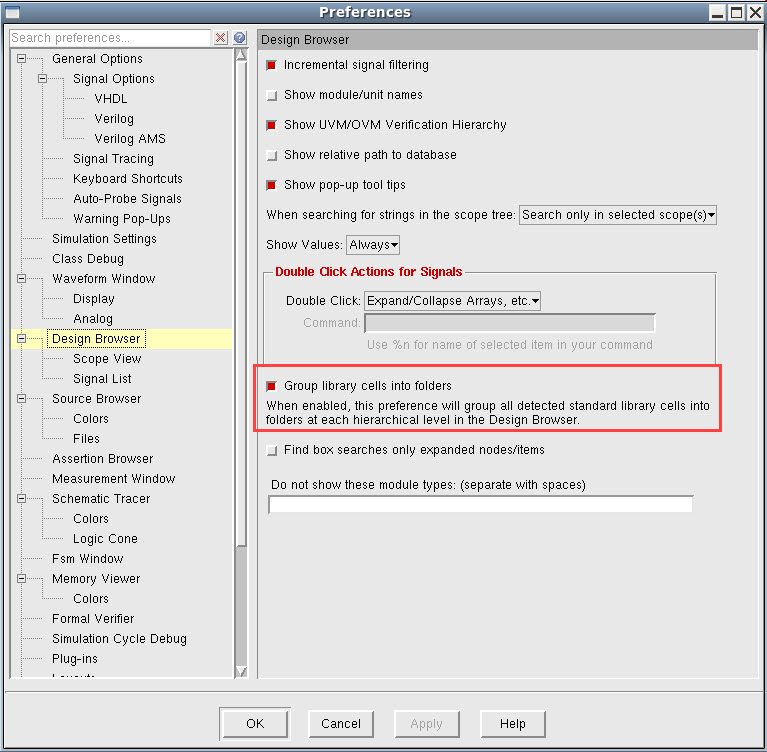
- Deselect Group library cells into folders.
-
Click Apply.
You will notice an expanded list of analog instances in the scope tree.