
Product Documentation
Virtuoso Technology Data Constraints Reference
Product Version IC23.1, November 2023

maxOverlap

orderedSpacings(
( maxOverlap tx_layer1 tx_layer2 
 g_length 
)
) ;orderedSpacings

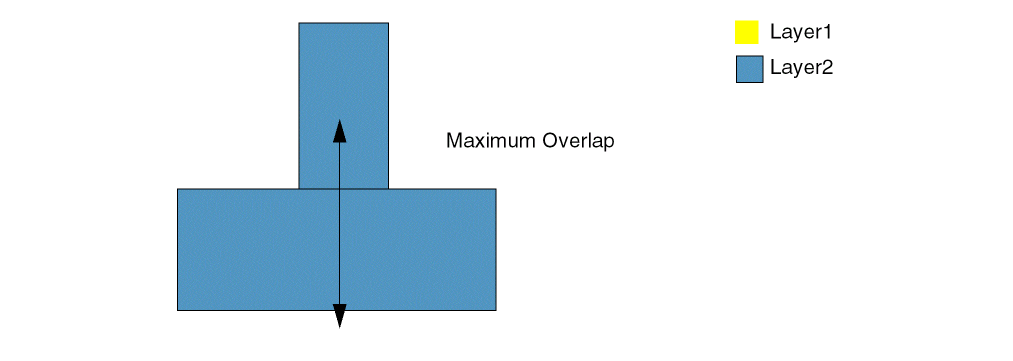
(Virtuoso Layout Suite EXL and higher tiers) Specifies the maximum distance a shape on one layer can overlap a shape on another layer.
Values

tx_layer1

The first layer on which the constraint is applied.

Type: String (layer and purpose names) or Integer (layer number)

tx_layer2

The second layer on which the constraint is applied.

Type: String (layer and purpose names) or Integer (layer number)

g_length

The overlap between the shapes must be less than or equal to this value.

Parameters

None

Example

The overlap distance for Metal1 and Metal2 shapes must be less than or equal to 0.05.

orderedSpacings(
    (maxOverlap "Metal1" "Metal2" 0.05)
) ;orderedSpacings

Return to top
 ⠀
X