
For certain tools, the standard help access points, such as a Help button or [?] icon or the Help menu in a UI might open the Task Assistant interface instead of Doc Assistant. Task Assistant is a light-weight help tool to provide a quick overview of the tasks in the context of an action you are currently performing.
In the following example, the [?] button on the Auto P&R assistant launches the Auto P&R Help Assistant window, which is a Task Assistant window.
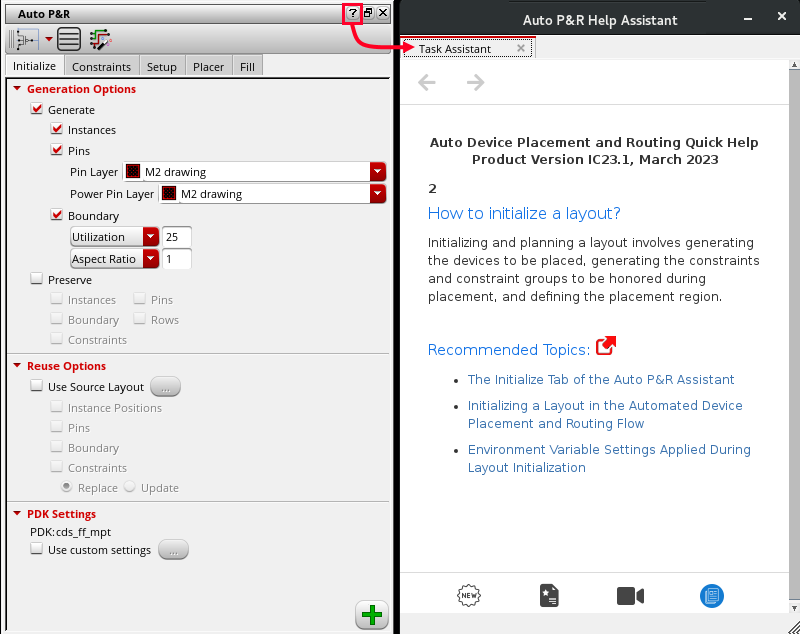
The Task Assistant interface includes links to the product user guide. Click a link to open the user guide in the Doc Assistant interface.
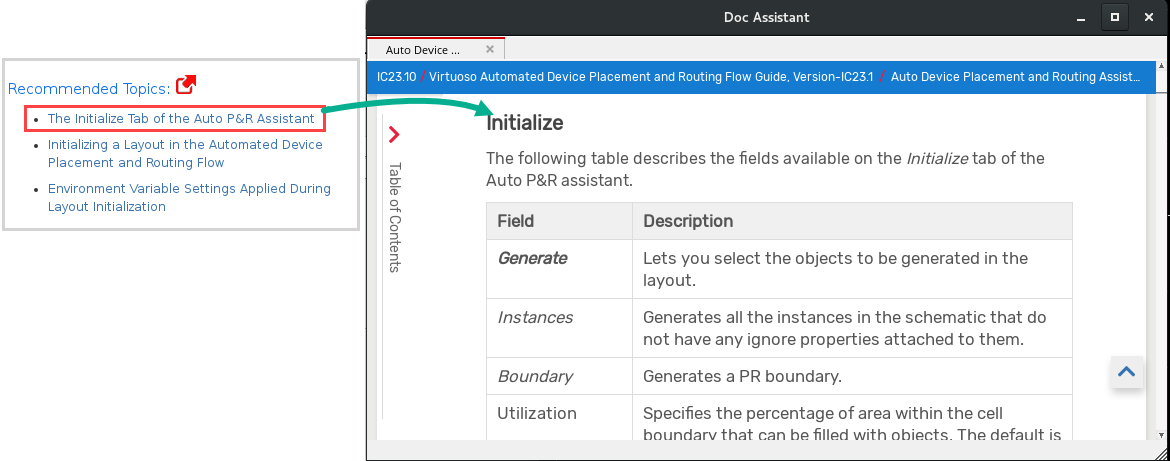
To return to the Task Assistant interface from In the Doc Assistant interface, scroll to the top of the page and click  .
.