
Checking a Snapshot Configuration
This option manually checks for the cells and instances that do not have an explicit binding. While updating the snapshot, if a cell is not explicitly bound with the right precedence level, then it gets updated with the same flow used to the set bindings when creating a snapshot.
For example, if the snapshot configuration is not fully bound then the following warning message is displayed.
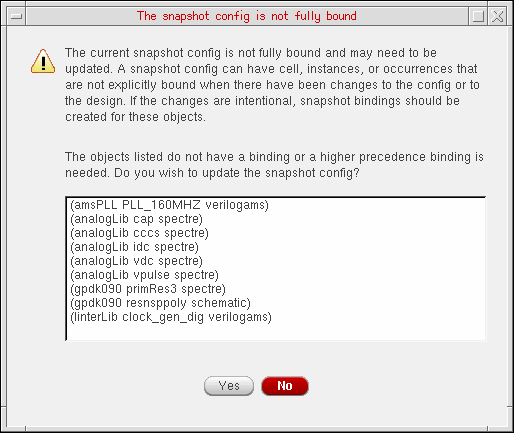
To add binding for the objects listed in the dialog box, click the Yes button.
To check the snapshot config, select Edit – Check Snapshot Config from the Virtuoso Hierarchy Editor window. Otherwise, you can also select the Check a snapshot config icon ( ) on the HED toolbar.
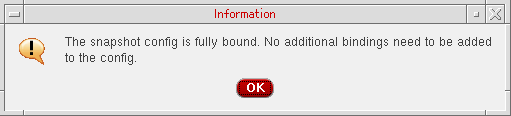
If the snapshot configuration is fully bound, the following dialog box is displayed.
HED does not create snapshot bindings for sub-configurations. Ideally, you should first create the snapshot sub-configurations and then use these snapshot sub-configurations in the top-level configuration. A warning message is displayed if non-snapshot sub-configurations are being used by a top-level snapshot configuration.
Return to top