
Traversing Configurations
To traverse a configuration and save the results in an output file, do the following:
-
Choose File – Traverse Config.
The Traverse Config form appears. - Click OK to perform the traversal.
-
Click Defaults to populate the form fields with the default values from the
hed.envregistration file.
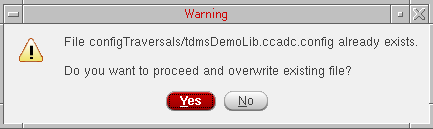
If you save the traversal results into an output file that already has the traversal output, the following warning message appears:
Return to top