
Viewing Logs
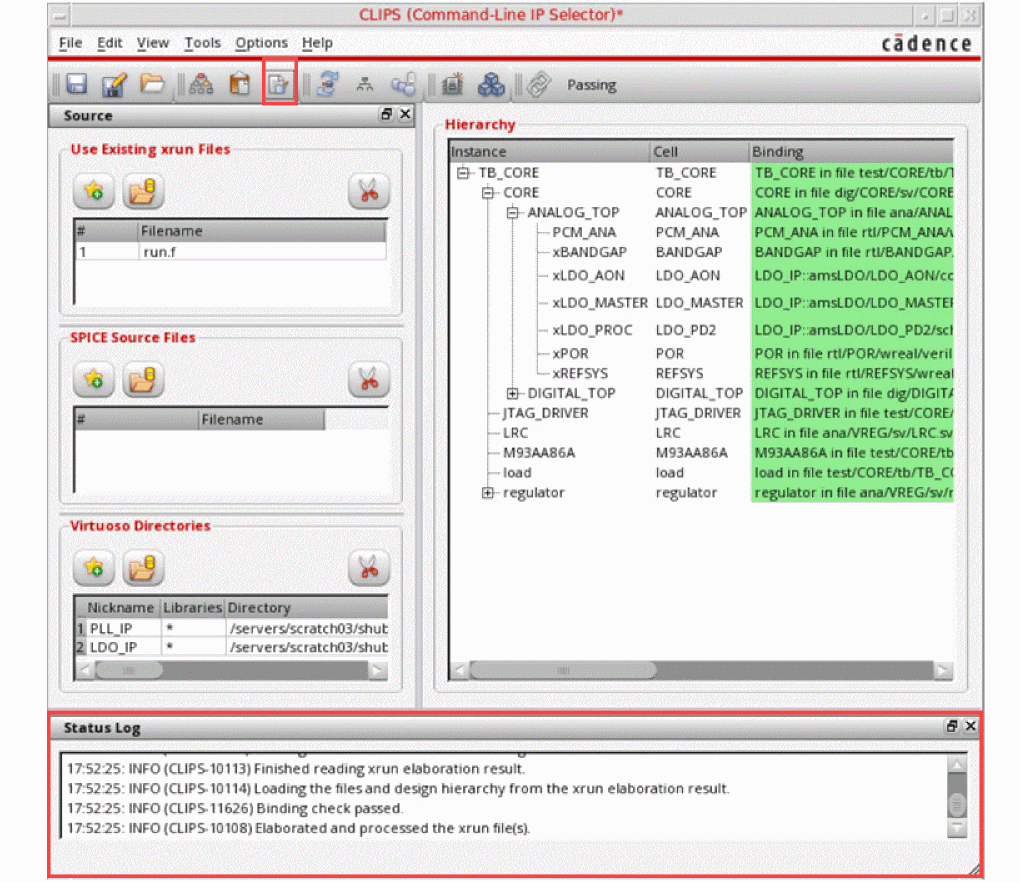
CLIPS logs show useful information about everything happening in the current session.
You can show and hide the log area of CLIPS.
To view the log pane, do one of the following
To capture the log files and intermediate files in a specified directory, perform the following steps:
-
Set the environment variable
CLIPS_DEBUG="dbg". -
Create a local directory. For example, create a directory
local_tmpusing the command:mkdir local_tmp -
Use the following option in CLIPS command-line:
-tmpworkpath ./local_tmp
-
The content of virtuoso_<tempID>/directory is saved in the locally-defined directory
local_tmp.
Return to top