
Opening the Library Manager
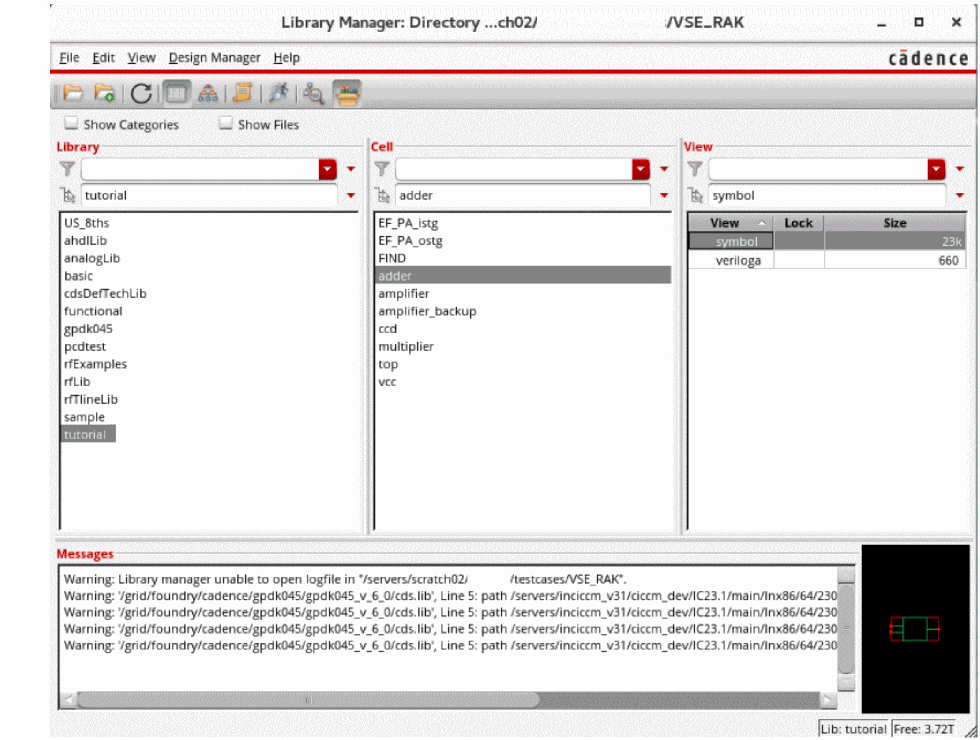
You can open the Library Manager form in standalone mode from an xterm or command tool window or in integrated mode from the Command Interpreter Window (CIW).
To open the Library Manager from an xterm or command tool window:
-
Type the command:
libManager &
The Library Manager appears as a standalone application. In standalone mode, you cannot open cellviews.
To open the Library Manager from the CIW:
The applications, such as Library Manager, Library Selector, and Library Path Editor, starts with the same font as Virtuoso. Once you choose the font using the Set Fonts dialog box, the font of these applications starts changing accordingly.
Related Topics
Return to top