
Opening the Library Browser Form
To open the Library Browser form manually:
-
Click Browse on a form. For example, click Browse on the Open File form.
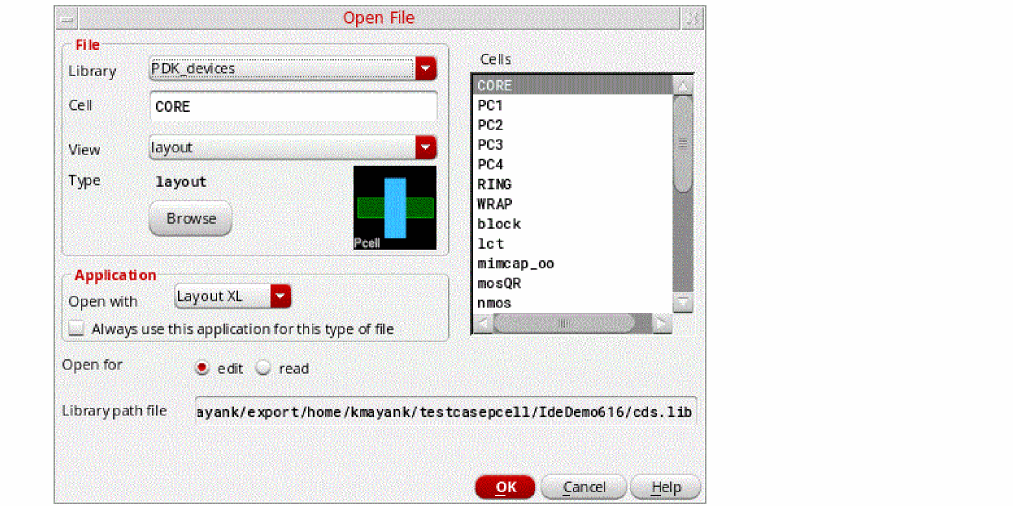
- The cells in the Cells list box of the Open File form are displayed in alphanumeric order.
-
To use the same sort order as used in Library Manager, set
designEditor.fileSpec. -
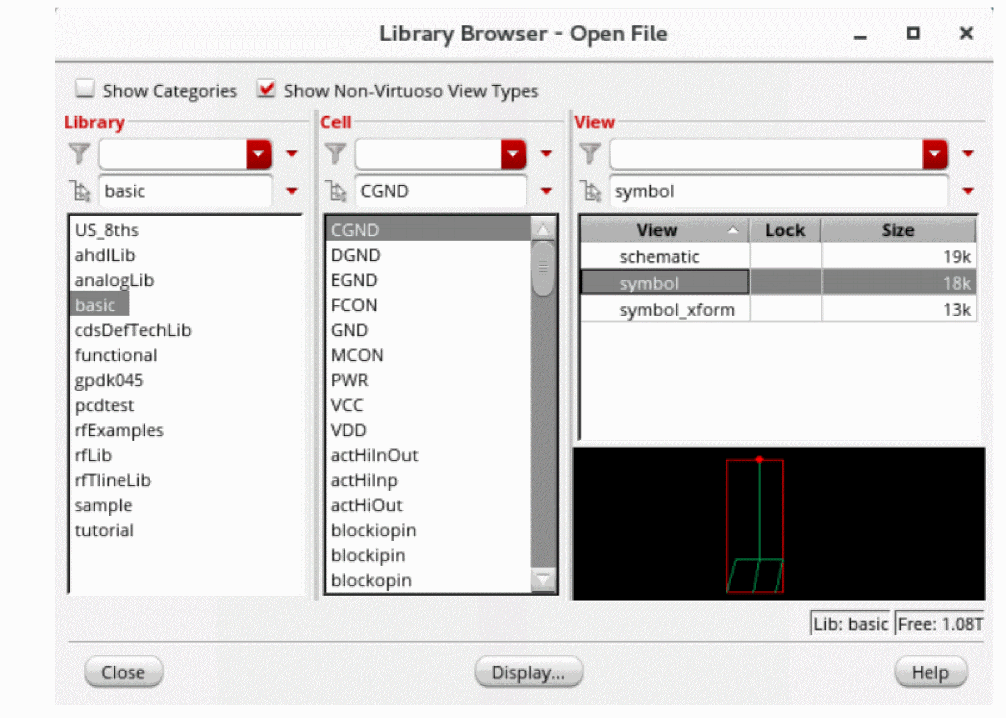
The Library Browser form appears.
Related Topics
Return to top