
Selecting Items for Copying in the Copy Wizard
Each row in the Copy Wizard represents a cellview or a cell file. A selected check box indicates a selected row.
To select or deselect a cellview for copying, do the following:
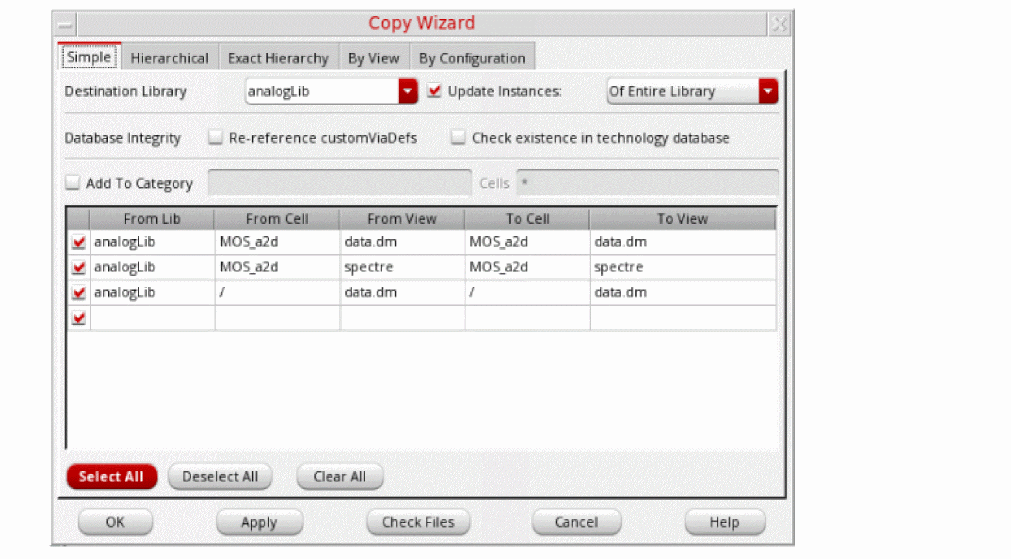
To select all items for copying, do the following:
To remove all items from the selection set, do the following:
Items are selected or deselected for copying, not for editing.
Related Topics
Selecting Text in the Copy Wizard
Return to top