
Class Structures
In Virtuoso ADE, much of the underlying code utilizes classes. A class determines the structure and behavior of its instances, which are known as objects. A class inherits information from its parent class (or super class) and passes information to its subclass. Understanding classes will help you use some of the functions that utilize the inheritance mechanism. These functions are called methods.
The following figure shows how the classes are organized.
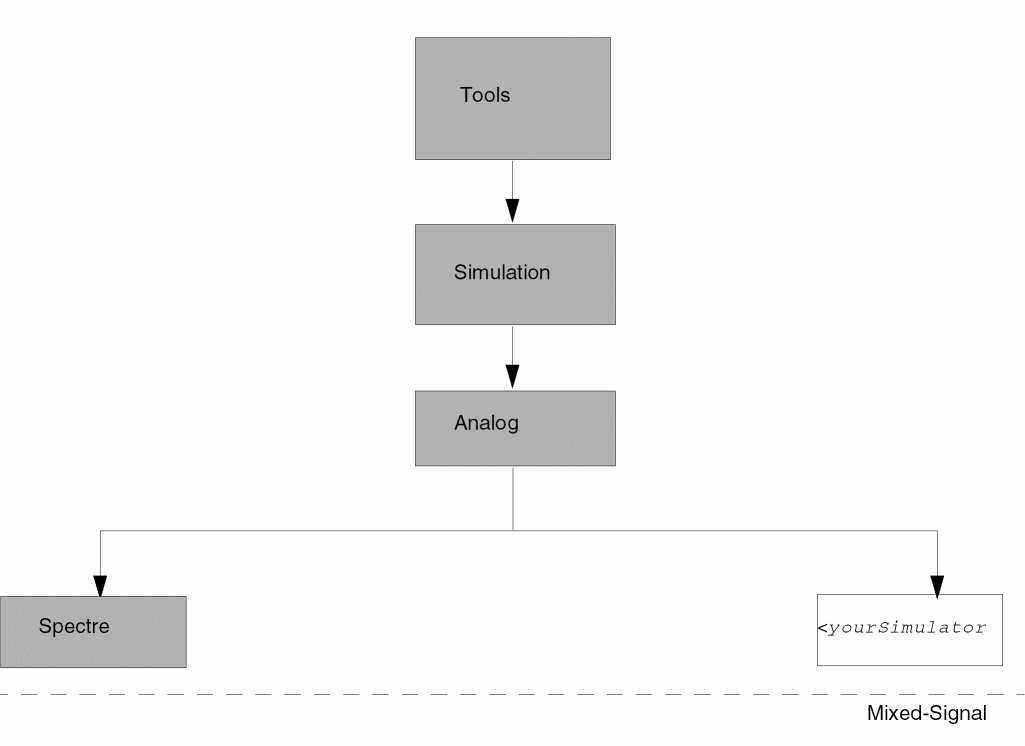
The class structure is organized as follows:
-
The
Toolsclass is the base or root class. Anything declared in theToolsclass is inherited by all the other subclasses. -
The
Simulationclass inherits everything from theToolsclass. Simulation is the base class for all simulators, and anything declared in theSimulationclass is inherited by all the simulators. -
The
Analogclass inherits everything from theSimulationclass. TheAnalogclass adds all the generic analog simulation features to the set. Anything declared in theAnalogclass is inherited by all the analog simulators.
If an inherited feature from any level is not applicable to a lower level, you can delete or change the feature at the lower level.
Return to top