
Default Active Snapshot
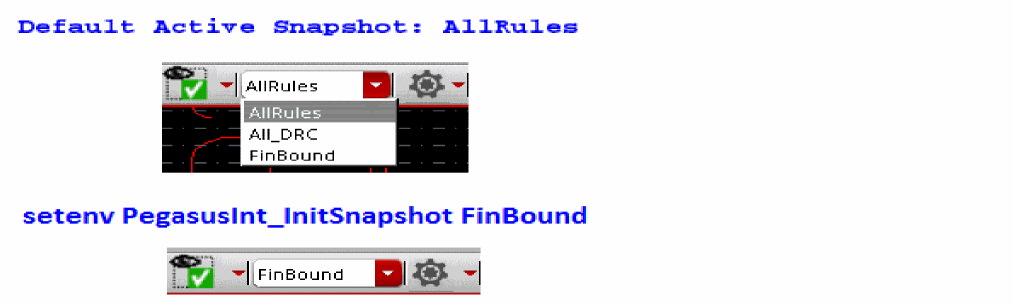
By default, items in the snapshot combo field are sorted alphabetically. The first item on the sorted list will be set as an active snapshot and displayed in the combo field. If you prefer to customize a default active snapshot other than tool's selection, you can define it through PegasusInt_InitSnapshot.
Once it is set, Pegasus Interactive first searches for the existence of this snapshot and displays it as an active snapshot after Pegasus Interactive toolbar initialization. If your preferred snapshot is not found, Pegasus Interactive will resolve to its default behavior.
Following example shows Pegasus Interactive’s default behavior on determining the active snapshot by setting the first item from the alphabetical sorted list. To override this behavior, PegasusInt_InitSnapshot is set to FinBound prior to launching Virtuoso. Once the layout is opened, FinBound is displayed in the snapshot combo field.
Return to top