
Starting SKILL IDE
You can start SKILL IDE either from a terminal window or from the Virtuoso Studio design environment.
Starting SKILL IDE from a Terminal Window
To start SKILL IDE from a terminal window, type the following command:
virtuoso -skillide
You can type the following command to specify the files that should open by default on starting SKILL IDE. If the files are not found, a warning appears.
virtuoso -skillide <file-name1> <file-name2> <file-name3>
Starting SKILL IDE from the Virtuoso Command Interpreter Window (CIW)
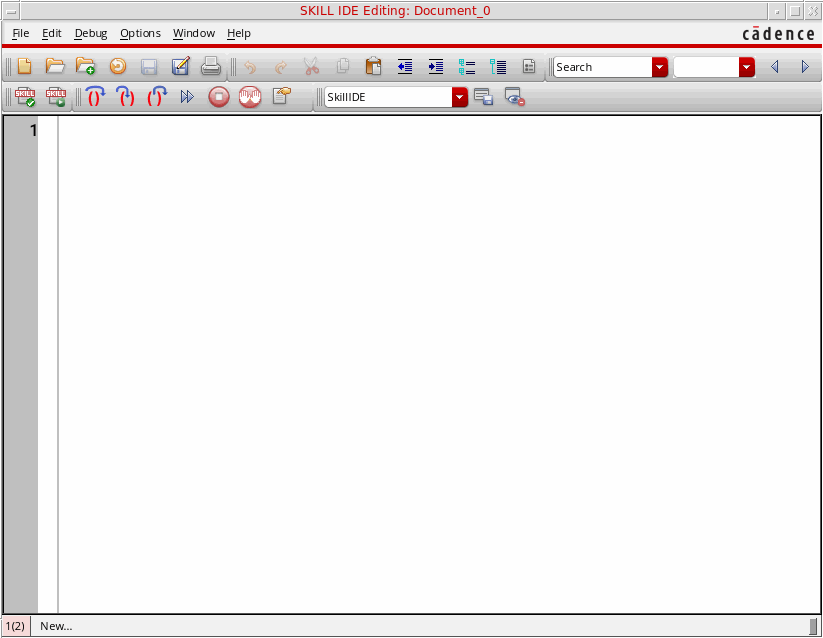
To start SKILL IDE from the Virtuoso Command Interpreter Window (CIW), choose Tools – SKILL IDE. The SKILL IDE window appears with SKILLIDE as the default workspace.
Related Topics
SKILL Integrated Development Environment
Return to top