
After running Tree Route, the trunks in the design are highlighted in different colors. The different colors represents different levels of trunks. The level-1 trunks are highlighted in Yellow and the level-2 trunks are highlighted in Cyan.
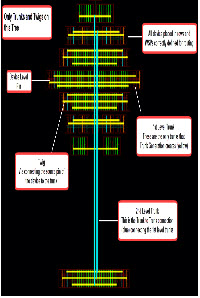
In addition, Tree Route automatically creates and connects all levels of trunks.