
awvPlaceYMarker
awvPlaceYMarker(w_windowID n_yLoc[?labelt_label] [?subwindowx_subwindow] [?stripNumx_stripNumber] ) =>t_markerID/nil
Description
Places a horizontal marker at the specified y coordinate on the specified trace.
Arguments
Value Returned
|
The horizontal marker cannot be placed on the trace because of an error. |
Examples
The following example creates a Waveform window and returns its window ID.
awvCreatePlotWindow()
=> window:3
The following example opens simulation results stored in the specified directory.
openResults("/servers/user/design/ampsim.raw")
=> "/servers/user/design/ampsim.raw"
The following example evaluates the expression flip applied on the signal out and plots the resulting waveform in strip number 1 of the specified Waveform window. The signal out is available in the tran-tran result of the results directory ampsim.raw.
awvPlotExpression(window(3) "flip(v(\"out\" ?result \"tran-tran\")" nil ?expr list("flipOut") ?index list(1) ?color list("y12") ?lineType list("line") ?lineStyle list("solid") ?lineThickness list("medium") ?stripNumber list(1))
=> t
The following example evaluates the expression lshift applied on the signal out and plots the resulting waveform in strip number 2 of the specified Waveform window. The signal out is available in the tran-tran result of the results directory ampsim.raw.
awvPlotExpression(window(3) "lshift(v(\"out\" ?result \"tran-tran\") 100ns)" nil ?expr list("lshiftOut") ?index list(2) ?color list("y6") ?lineType list("line") ?lineStyle list("solid") ?lineThickness list("medium") ?stripNumber list(2))
=> t
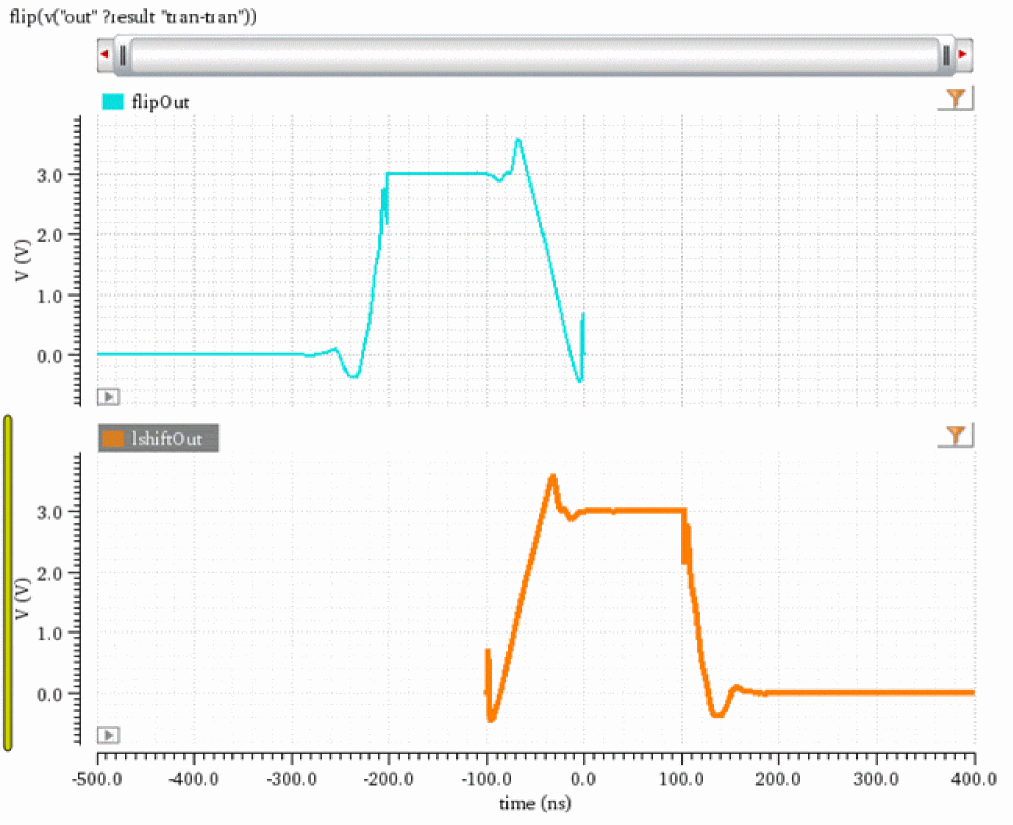
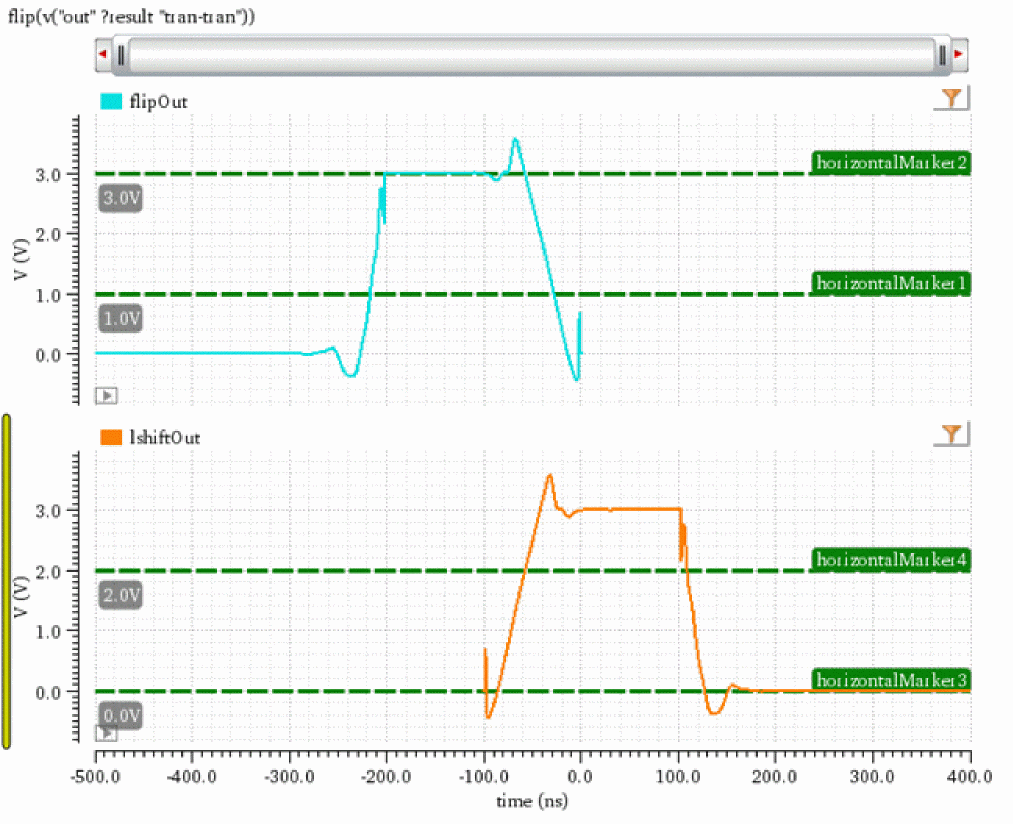
The following examples apply horizontal markers with label horizontalMarker1 and horizontalMarker2 at y=1.0V and y=3.0V on the trace in strip number 1.
awvPlaceYMarker(window(3) 1.0 ?label "horizontalMarker1" ?stripNum 1)
=> "horizMarker[1.1.1]"
awvPlaceYMarker(window(3) 3.0 ?label "horizontalMarker2" ?stripNum 1)
=> "horizMarker[1.1.2]"
The following examples apply horizontal markers with label horizontalMarker3 and horizontalMarker4 at y=0.0V and y=2.0V on the trace in strip number 2.
awvPlaceYMarker(window(3) 0.0 ?label "horizontalMarker3" ?stripNum 2)
=> "horizMarker[1.1.3]"
awvPlaceYMarker(window(3) 2.0 ?label "horizontalMarker4" ?stripNum 2)
=> "horizMarker[1.1.4]"
Return to top