
Cell Instances Are Missing
A cellview often contains instances of cells from other design libraries. If you open a cellview that contains instances of cells from a library that the layout editor cannot find, the following happens:
- When you try to open the cellview, you see a warning dialog box listing cells that the layout editor cannot find.
-
When you close the dialog box, the cellview opens, but each area containing a missing cell displays a flashing box with an X.
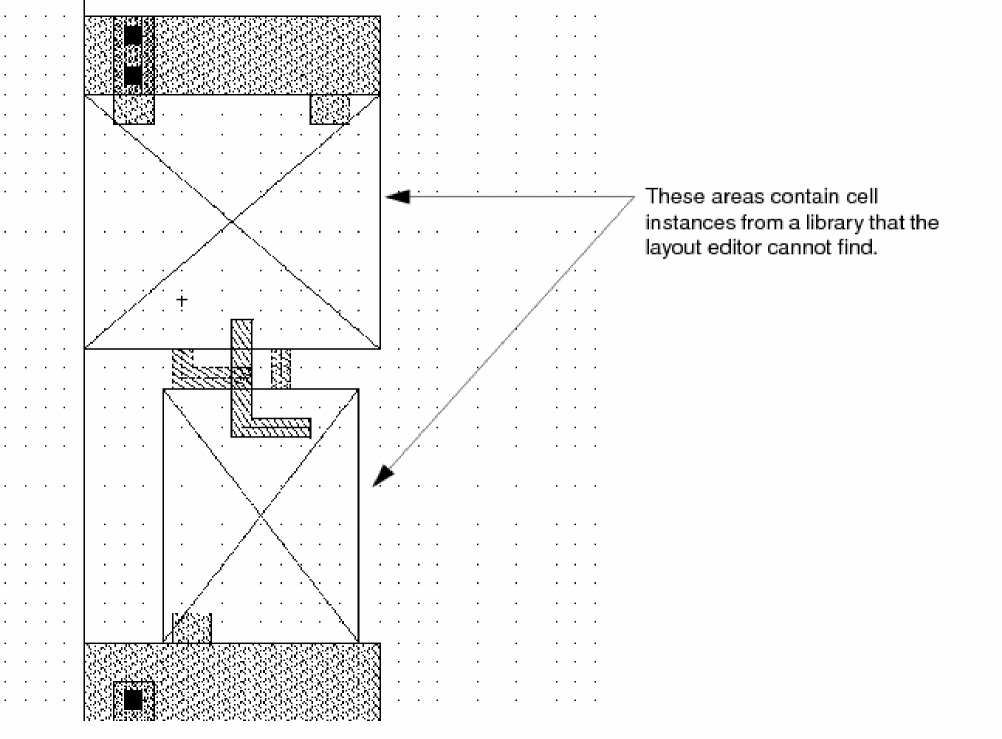
To include the missing cells, add the path to the library containing the cell masters to the cds.lib file.
Related Topics
Troubleshoot Design Access Issues
Return to top