
Displaying Bindkeys for Layout XL
To display the list of bindkeys for Layout XL:
-
From the CIW, choose Options – Bindkeys.
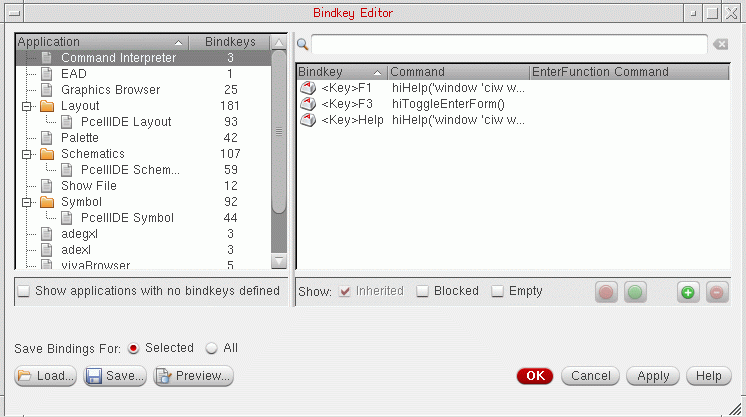
The Bindkey Editor form is displayed. The Application tree on the left of the form, by default, initially displays all the applications for which bindkeys have been defined.
-
In the Application tree, select the application whose bindkeys you want to view.
The bindkey table on the right updates to list the bindkeys associated with the currently selected application. - Optionally, use the Search field to filter the bindkey listing.
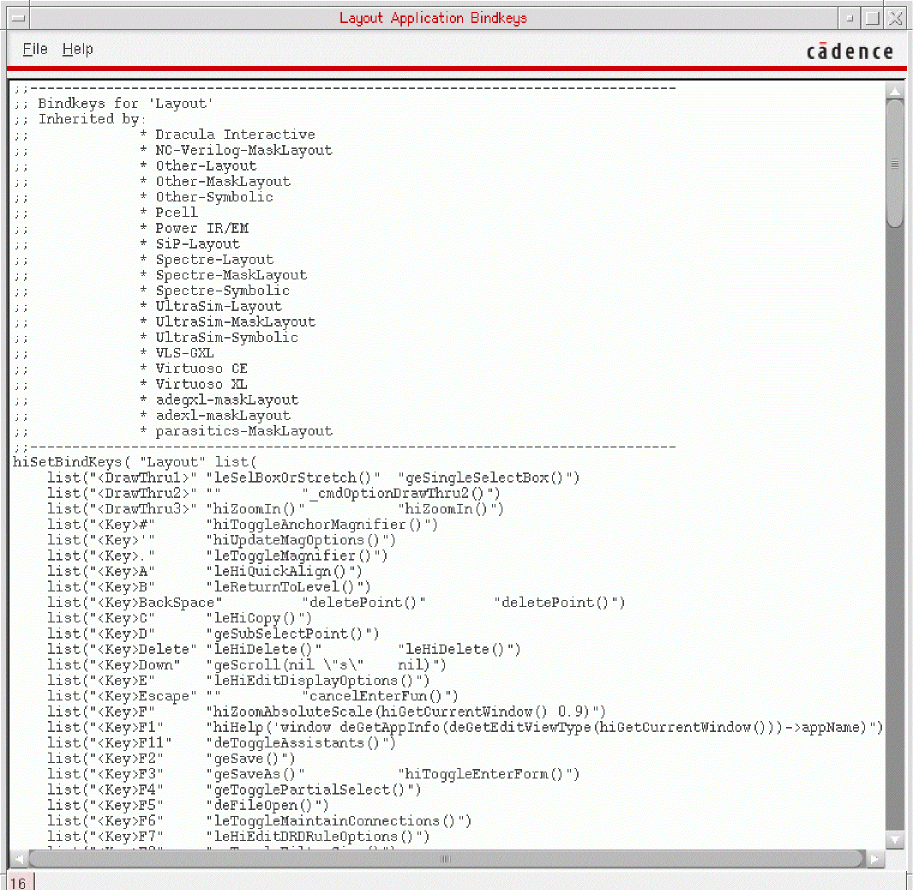
- To view the bindkey settings for the currently selected application, do one of the following:
Related Topics
Bindkeys in Virtuoso Layout Suite
Return to top