
Virtuoso Coloring Check
To verify net mask color assignment using Virtuoso, use the Net Color Constraint Check and CDF Color Check options available in the Verify menu of VLS XL.
You need to set the showCDFchecks environment variable to t to view the CDF Color Check option in the Verify menu in VLS XL.
To verify net mask color assignment:
- Choose Connectivity – Check – Against Source.
- Type the Library, Cell, and View names of the schematic in the Use schematic view and Use configuration view sections in the Update Connectivity Reference form.
- Click OK.
- Choose Verify – Net Color Constraint Check.
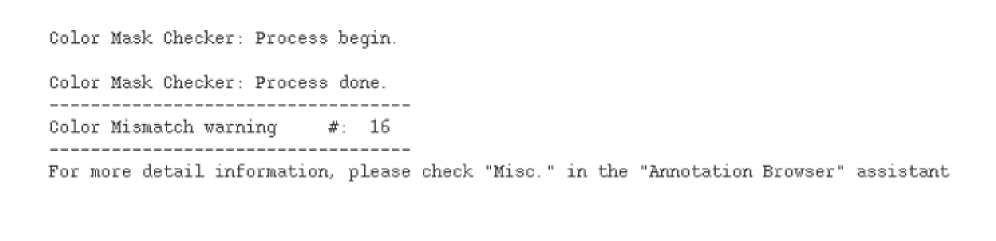
The details of the color mismatch and related warning are displayed in the CIW.
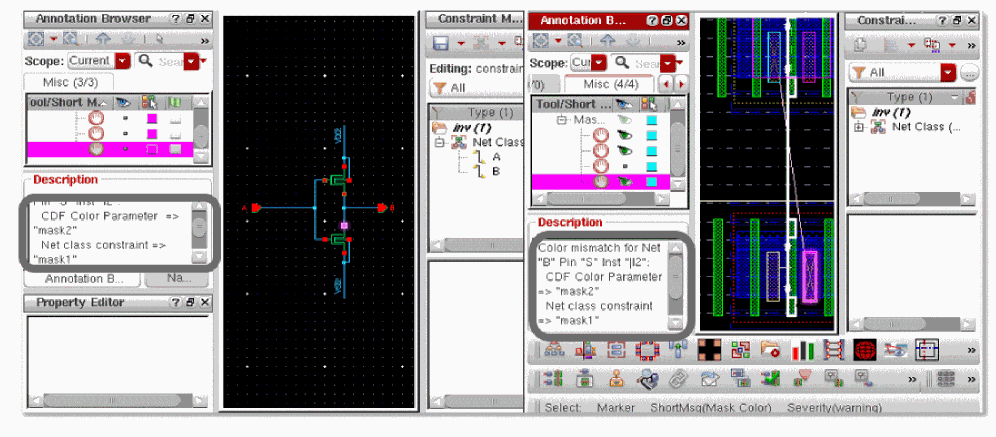
The mismatches are displayed in the Annotation Browser.
To verify CDF color assignment:
- Choose Connectivity – Check – Against Source.
- Type the Library, Cell, and View names of the schematic in the Use schematic view and Use configuration view sections in the Update Connectivity Reference form.
- Click OK.
- Choose Verify – CDF Color Check.
The details of the color mismatch and related warning are displayed in the CIW.

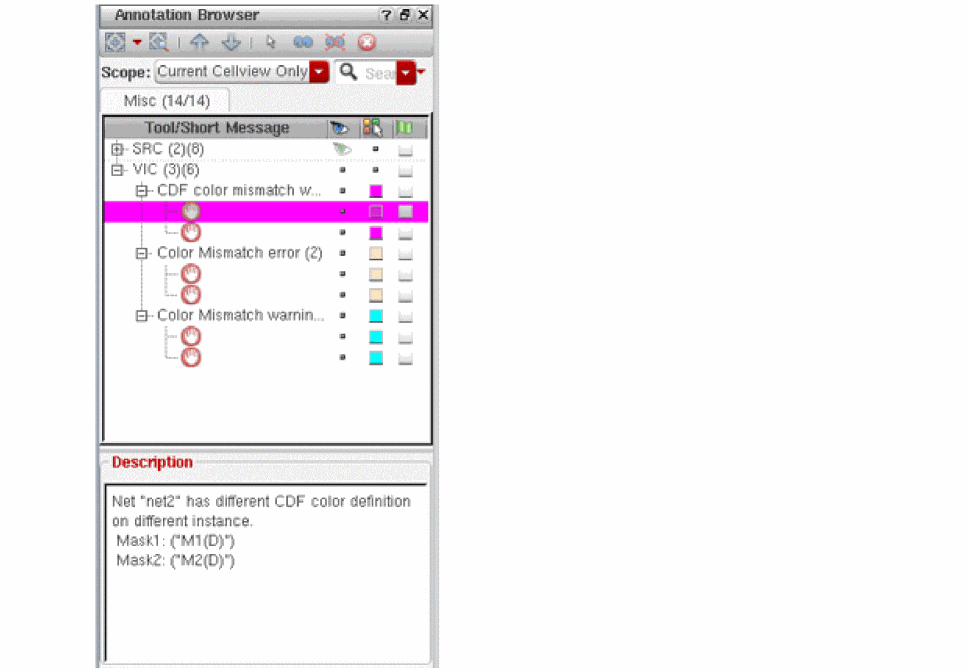
The violation markers are displayed in the Misc tab of the Annotation Browser.
Return to top