
Hierarchical Color Locking Check
As mentioned in
While a shape can have only one dbLock, it could potentially have multiple HCLs applied from various levels of the hierarchy. A color conflict exists when there are multiple locked color assignments for a shape.
To check for potential color conflicts related to color locking:
-
Choose Hierarchical Color Locking Check from the Checks drop-down list.
The number of conflicting coloring locks is reported in the CIW. Annotation markers will appear in the canvas where the conflicts were found. -
Choose Window – Assistants – Annotation Browser to open the Annotation Browser and inspect the conflicts listed on the Misc tab in the MPT grouping.
Potential conflicts include: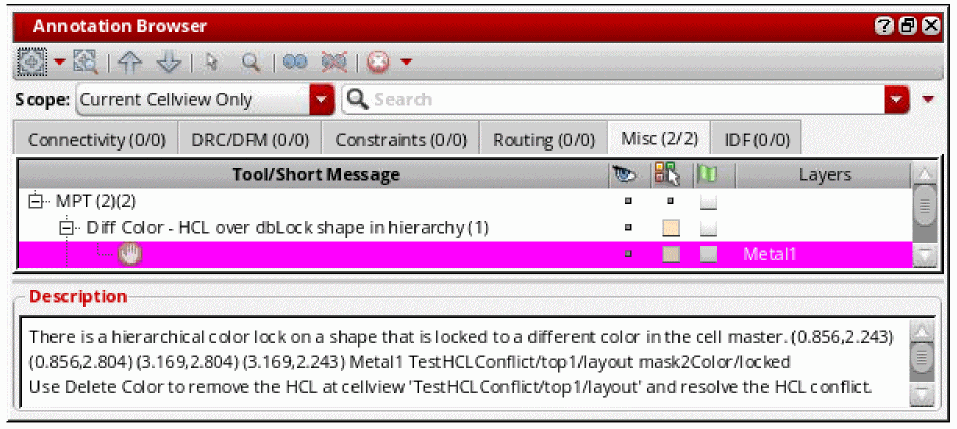
-
HCL in hierarchy over HCL in hierarchy
There are hierarchical color locks of different/same colors at different levels of the hierarchy for a shape. -
HCL over dbLock shape in hierarchy
There is a hierarchical color lock on a shape that is also locked in the cell master. -
HCL over shape in locked via
There is a hierarchical color lock on a shape that is part of a locked or partially locked via.
-
HCL in hierarchy over HCL in hierarchy
- Resolve conflicts by Removing Color from Shapes.
Return to top