
Multiple Patterning Toolbar
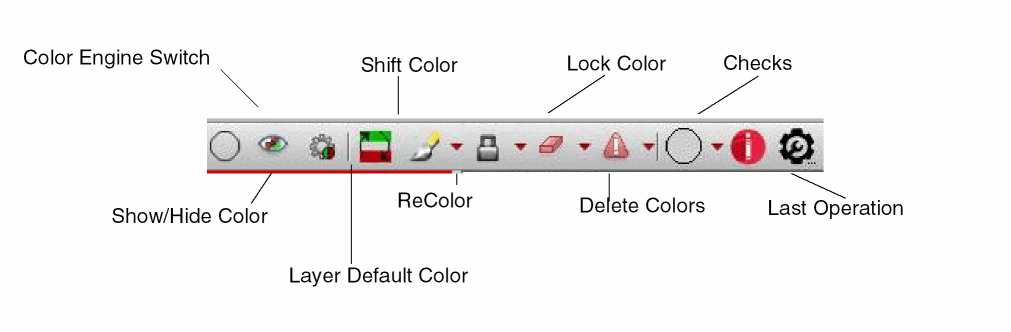
To show the Multiple Patterning toolbar, do one of the following:
- Choose Window – Toolbars – Multiple Patterning from the layout window menu bar.
- Access the Multiple Patterning workspace, as described in Using the Multiple Patterning Workspace.
The Multiple Patterning toolbar appears in the toolbar section of the Virtuoso workspace and can be moved in the workspace like other Virtuoso toolbars.
Return to top