
View the Last Operation Status
The color of the last operation status icon on the Multiple Patterning toolbar depicts the status of the last coloring operation. The colors depict the following:
- Blue: Indicates the last coloring operation was successful
- Red: Indicates the last coloring operation failed
- Yellow: Indicates that some operations were interrupted
When you click the red status button, temporary markers are generated on the violating shapes. You can click the marker on the shape to get more information about the coloring problem, as shown in the figure below.
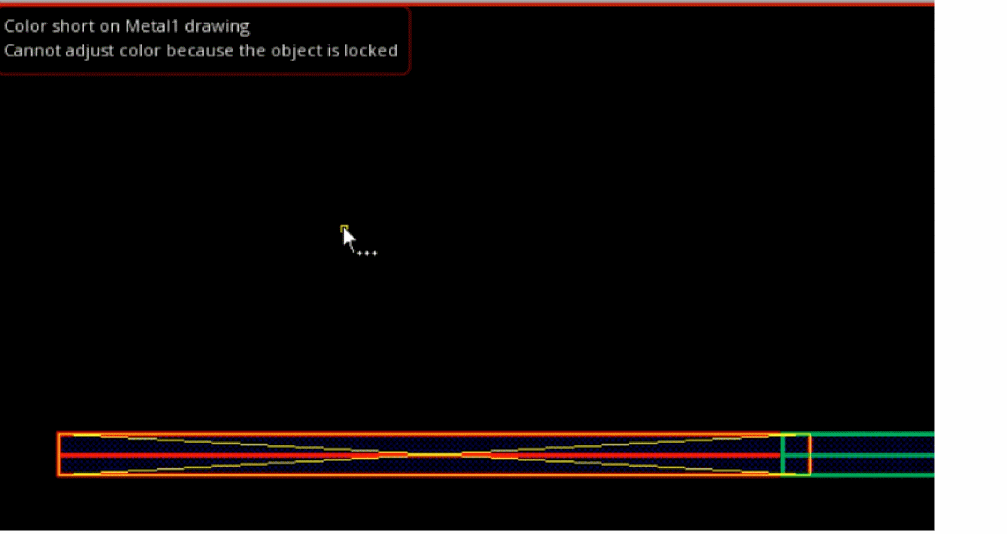
Once you have analyzed the problem, you can press the Esc key to return to the normal mode and clear the temporary markers.
Return to top