
Marking Color Info
You can use the Mark Color Info option to place markers where hierarchical color locks have been dropped and on instances with color shifts. The color shifts could be cluster or layer shifts.
To mark the color information:
-
Choose Mark Color Info from the Last Operation drop-down list of the Multiple Patterning toolbar.
The Mark Color Information form appears.
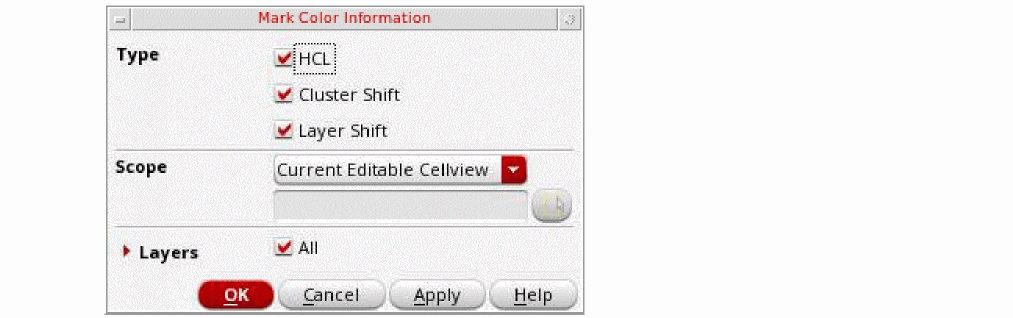
- Select the Type: HCL, Cluster Shift, or Layer Shift.
- Choose the Scope: Current Editable Cellview, Current Visible Area, or Area.
- Select the Layers: All or Selected Layers.
- Click OK.
The Mark Color Info Summary is displayed in the CIW.
Return to top