
Tracing Nets using Navigator
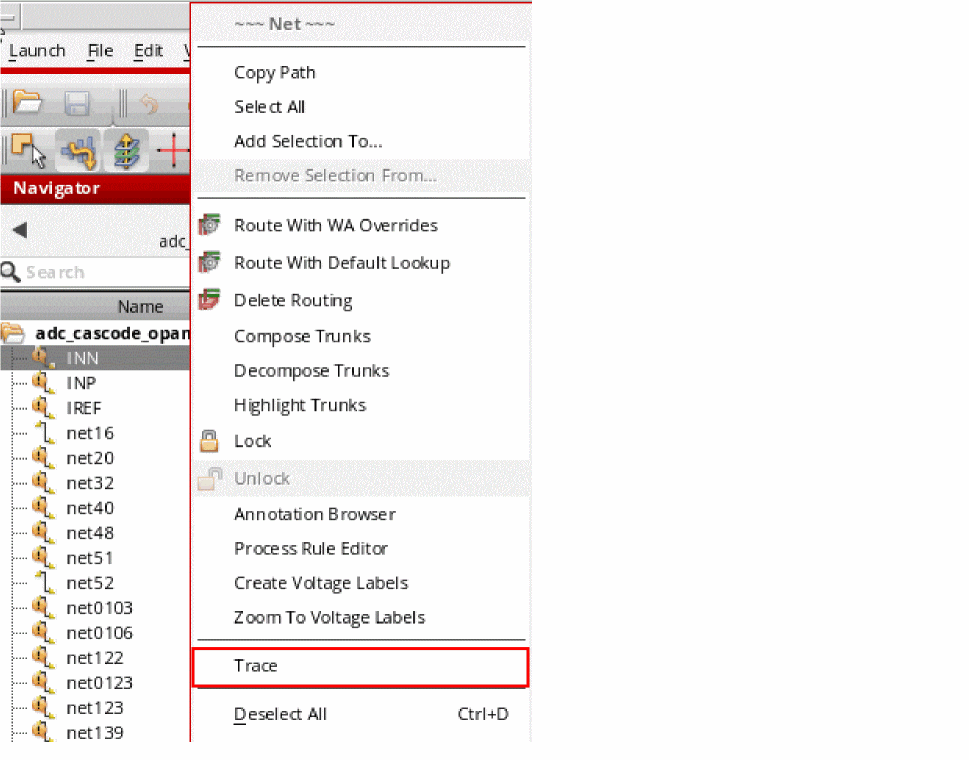
You can trace the physical or logical connectivity of nets in a design by using the Trace command in the shortcut menu of the selected net.
To trace a net by using the Trace command in the Navigator assistant shortcut menu:
-
Right-click a net in the Navigator assistant and choose either from the shortcut menu—Add Logical Trace or Add Physical Trace.
You can select multiple nets to simultaneously trace them.
-
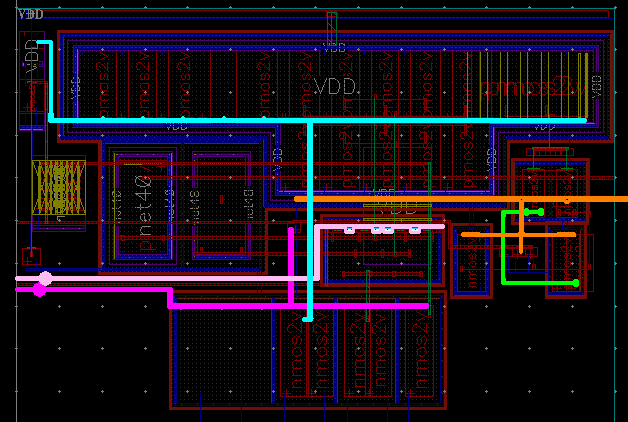
The selected net (or nets) are traced in the layout canvas, as shown in the figure below.
Related Topics
Return to top