
Swapping Components
The Swap Components command lets you swap the positions of two components in the layout window.
Layout XL does not move any connections along with the components. If swapping a pair of components causes a short, markers show you where the short is. If swapping components causes an open connection, flight lines show the open connection.
The Swap Components command is not constraint aware.
-
From the layout window menu bar, choose Edit – Advanced – Swap Components.
The Swap Components form is displayed below.
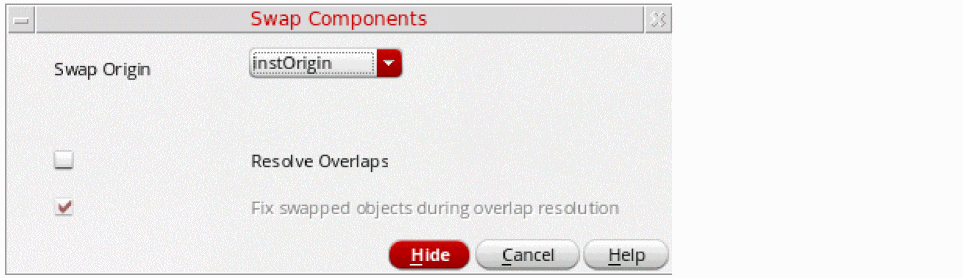
- Click the first component in the layout canvas.
-
Click the second component in the layout canvas.
Layout XL switches the locations of the components you selected, but retains the orientation of the component originally associated with the position.

Related Topics
Return to top