
Updating Schematic Parameter Values in Postselection Mode
-
From the layout window menu bar, choose Connectivity – Update – Schematic Parameters.
The CIW and layout window prompt you to select the devices whose parameters you want to update. -
To see a list of the layout devices in design, move the cursor to the layout canvas and press
F3.
The DFM Settings form is displayed.
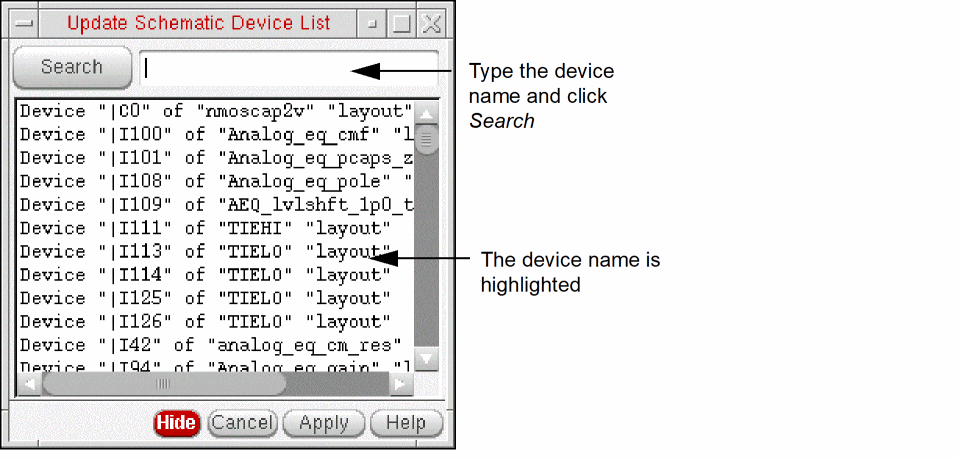
-
Select a device in the form, in the layout window, or in the schematic window.
Layout XL highlights the device in all three locations. -
Click Apply in the form or move the cursor into the layout canvas and press
Return.
If you are using CDF callbacks, Layout XL applies the callback first and then updates the parameters on the selected schematic devices to match the values of the corresponding devices in the layout (unless you have set thelvsIgnoreorignoreproperty on a device).
An Information window reports any changes that are made. -
Press
Escto exit the command.
Related Topics
Return to top