
Collecting Data Using Health Monitor Tool
The Health Monitor form helps in collecting callstacks that later help the support team in identifying issues. You can pin this form at the top of your screen to save desktop space.
To start collecting performance data:
- In CIW, choose Tools – Diagnostic Center.
-
In the Performance tab, select Health Monitor.
The Health Monitor form appears.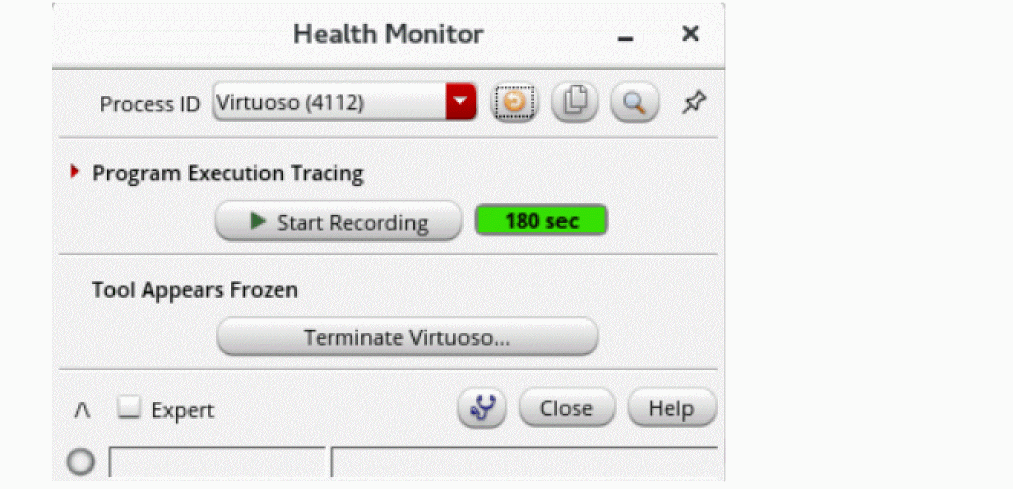
- Adjust the recording time.
- Click Start Recording when the issue appears.
- Click Stop Recording when you want to stop recording the callstacks.
Use the SKILL command perfRefreshControl to refresh the Health Monitor form and apply all the changes made using environment variables.
Related Topics
Return to top