
Copying and Renaming Objects with Design Intents
To copy an object including any associated design intent:
- From the view, choose Edit – Copy.
-
Press
F3to display the Copy form.
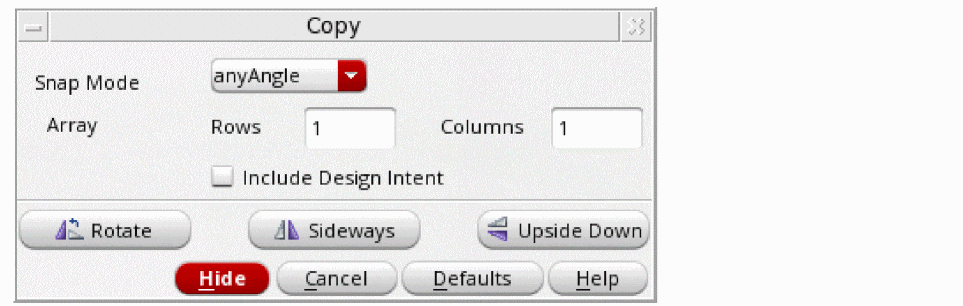
- Select the Include Design Intent option.
- Select the object you want to copy.
- Click a destination for the copy.
Objects with design intents associated can be renamed as normal. The new name is reflected in any design intent associated with the object when the Check and Save command is run.
Related Topics
Return to top