
Creating a Design Intent in Layout XL
The process for creating design intents in Layout XL is different because all design intents must be reviewed and validated within Schematics XL before they are fully integrated into the standard implementation process.
The options available on the Create Design Intent form differ between Schematics XL and Layout XL. To create a new design intent in Schematics XL, see Creating a Design Intent in Schematics XL.
- Select an instance in the Navigator or on the canvas in Layout XL.
-
Right-click and choose Design Intent – Create Design Intent.
The Create Design Intent Form is displayed.
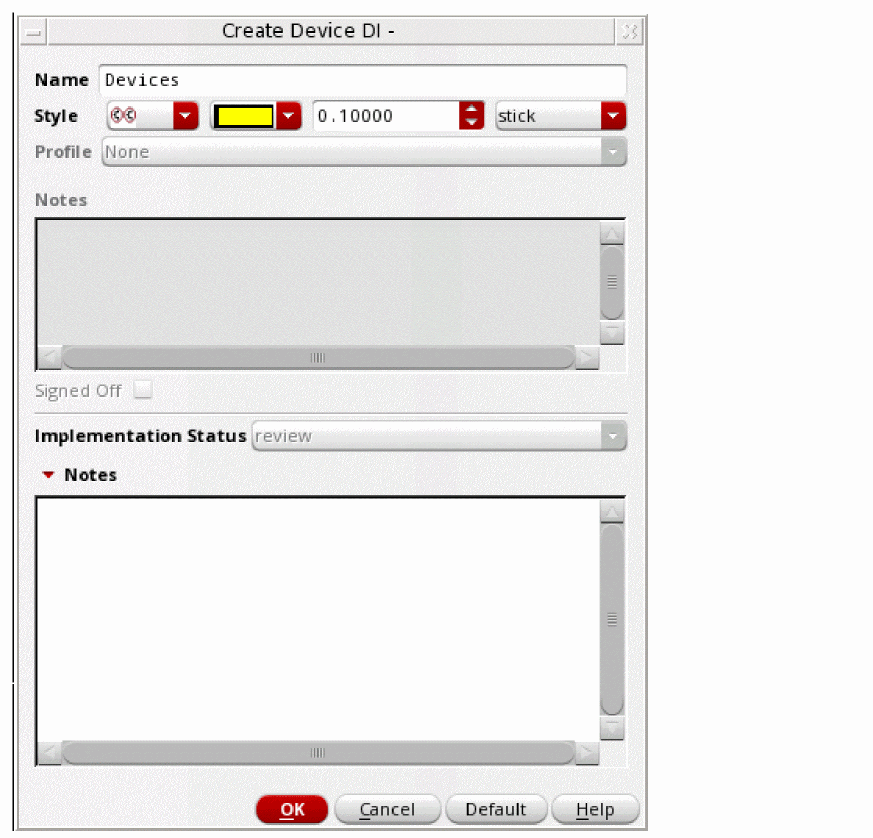
- Specify a Name for the design intent.
- Define a Style to identify the design intent annotation on the canvas.
-
In the lower section Notes, add any information regarding the implementation and the purpose of the design intent for the schematic designer. The Notes in the upper section of the form are unavailable. An Implementation Status of
reviewis set automatically and cannot be changed.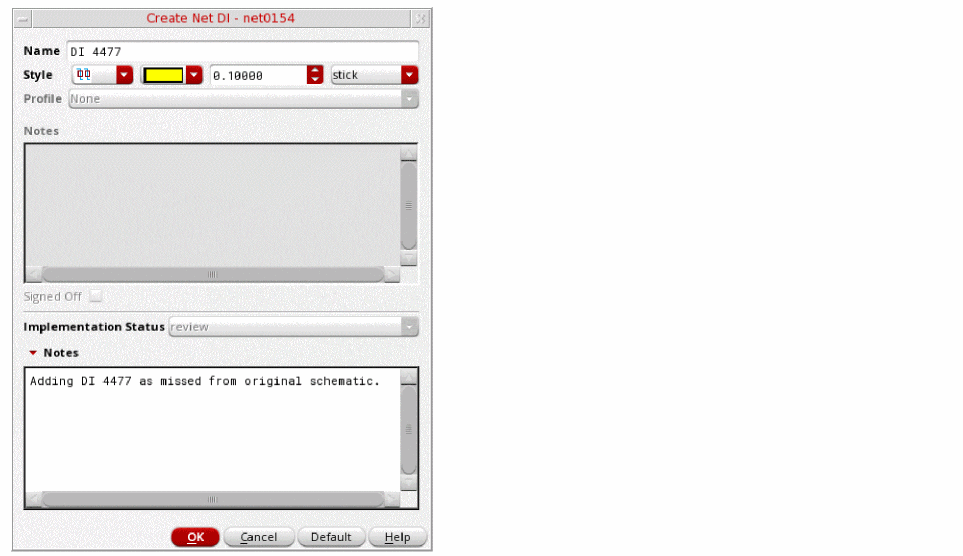
-
Click OK.
In Schematics XL, the affected objects are immediately displayed with thereview status icon and a sync icon as a prompt to Sync the design intent.
Related Topics
Schematic and Layout View Synchronization
Reviewing and Editing a Design Intent Created in Layout XL
Return to top