
Exporting Options File in Abstract Generator
The options file records settings for both global and bin options as well as default settings for various other commands. You can use the options file to import these settings the next time you use Abstract Generator, or to restore them later in the current session after completing any experiments with alternative settings.
-
Choose File – Export – Options to display the Export Options form. This command saves the export option settings for the current session.
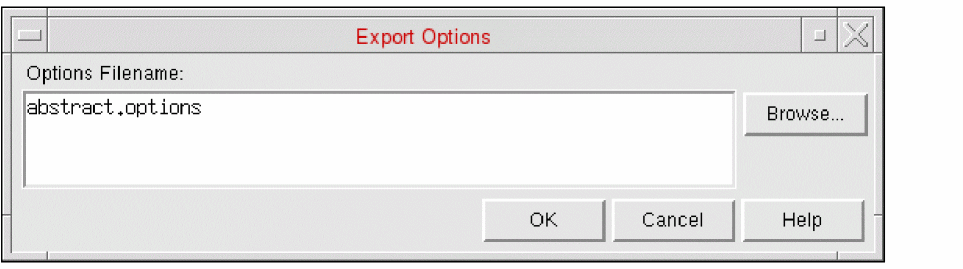
- In the Options Filename field, specify a path and name for the file, or use the Browse function to help you specify the location.
- Click OK to export the options to the specified location.
Related Topics
Return to top