
Importing DEF in Abstract Generator
A DEF file contains the design-specific information of a circuit and is a representation of the design at any point during the layout process. The DEF file is in ASCII format. DEF conveys logical design data to and physical design data from P&R tools. Logical design data can include internal connectivity (represented by a net list), grouping information, timing parameters and physical constraints. Physical data includes placement locations and orientations, routing geometry data, and logical design changes for backannotation.
-
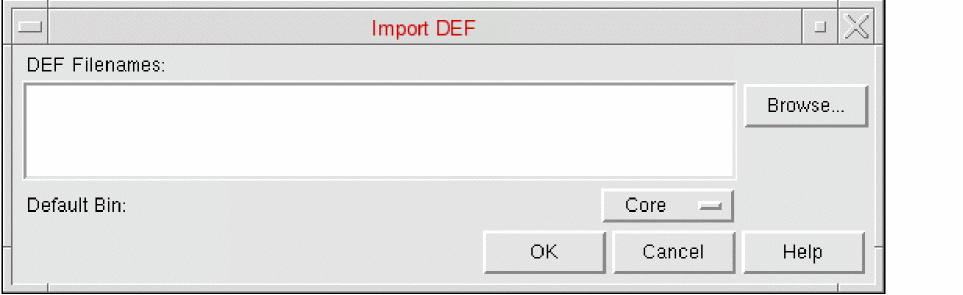
Choose File – Import – DEF. It displays the Import DEF form.
The File – Import – DEF command imports a net list in DEF format and updates the design with the information.
-
The DEF specifies the DEF files to import. You can type in the name manually or Browse for existing files with the
.defextension in the current directory. -
In Default Bin, select the bin to which DEF data is to be imported.
Cells will be placed in the Default Bin only if they conform to the following criteria:
If any of this criteria is not met, the cells will be placed in the Ignore bin. - Click OK.
Related Topics
Return to top