
Importing Options File in Abstract Generator
The Import Options form allows you to load an options file saved in a previous session. You can save the settings of a session and load these settings back when you start a new session using the Import command.
-
Choose File – Import – Options to display the Import Options form.
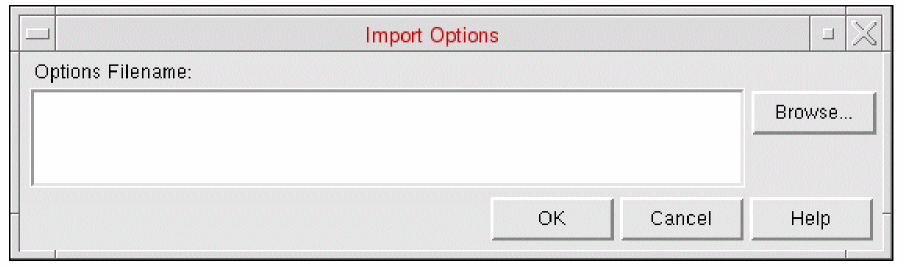
- In the Options Filename field, specify the path and name of the file to import, or use Browse to look for the file through various folders.
- Click OK to import the options file from the specified location.
Related Topics
Return to top