
Moving Cells Across Bins in Abstract Generator
The Move Selected Cells form moves one or more selected cells to a different bin.
-
In the Cell pane, select the cells you want to move either manually or by using Cells – Select, then choose Cells – Move.
This displays the Move Selected Cells form.
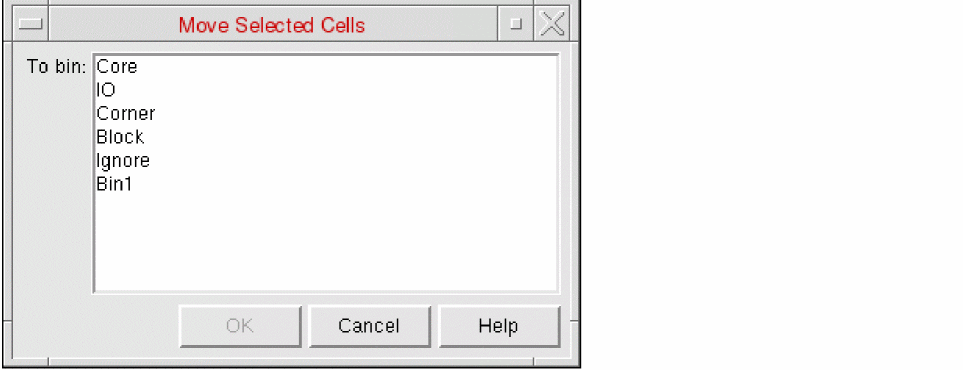
- Choose the target bin and click OK.
The selected cells are moved into the selected bin. The status for all the views remains unchanged.
Related Topics
Return to top