You can use Doc Assistant even when you are working in a restricted environment, where you have limited or no Internet connectivity. In this case, Doc Assistant is launched in Offline mode. You can search content from documents of products that are installed on your machine.
You can select or deselect products from the My Products which will change the order in which content appears on the welcome page and search results.
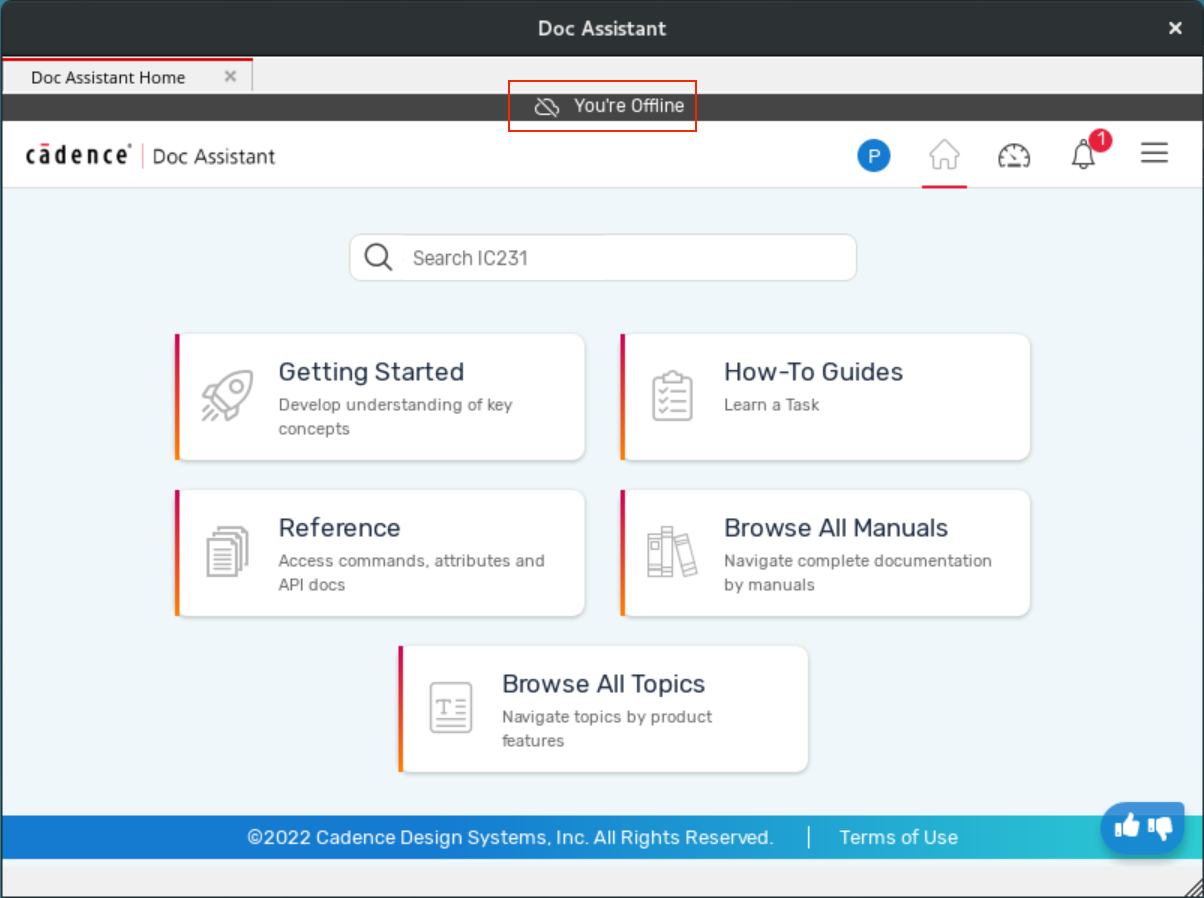
A message is displayed at the top indicating that you are offline, and therefore Doc Assistant is in Offline mode.
To make Offline Documentation the default mode when Doc Assistant is launched:
- Set the CDA_OFFLINE environment variable to
true. - Specify the CDA_OFFLINE variable in the help.ini file in a new line.
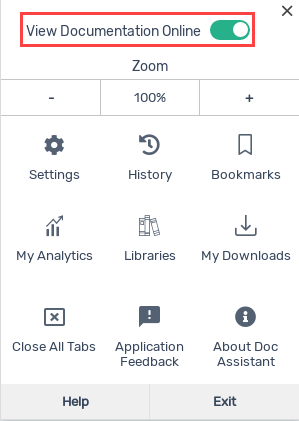
If Doc Assistant is in Online mode, you can switch to Offline mode and set it as the default mode by switching off the View Documentation Online option from the hamburger menu.