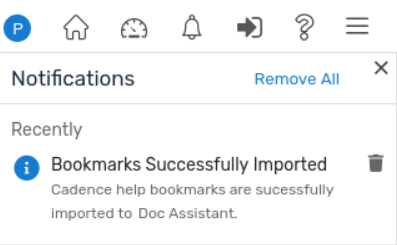
When Doc Assistant is launched for the first time, you can import Cadence Help browsing history and bookmarks to Doc Assistant.
To import Cadence Help history and bookmarks to Doc Assistant:
- Click the View Notifications icon on the toolbar.
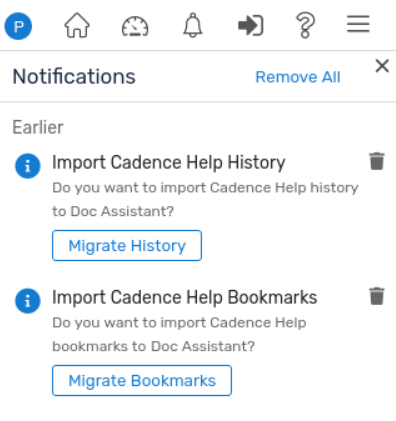
- Click the Migrate History button to import Cadence Help browsing history to Doc Assistant.
A success message is displayed in the Notifications list.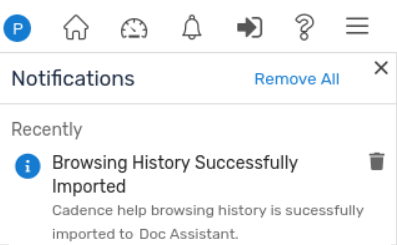
- Click the Migrate Bookmarks button to import Cadence Help bookmarks to Doc Assistant.
A success message is displayed in the Notifications list.