
Instance Bindings Table in the Table View Tab
To display the Instance Bindings table, ensure that View – Instance Table has been selected, and that you also have an appropriate Lib/Cell/View selected in the Cell Bindings table.
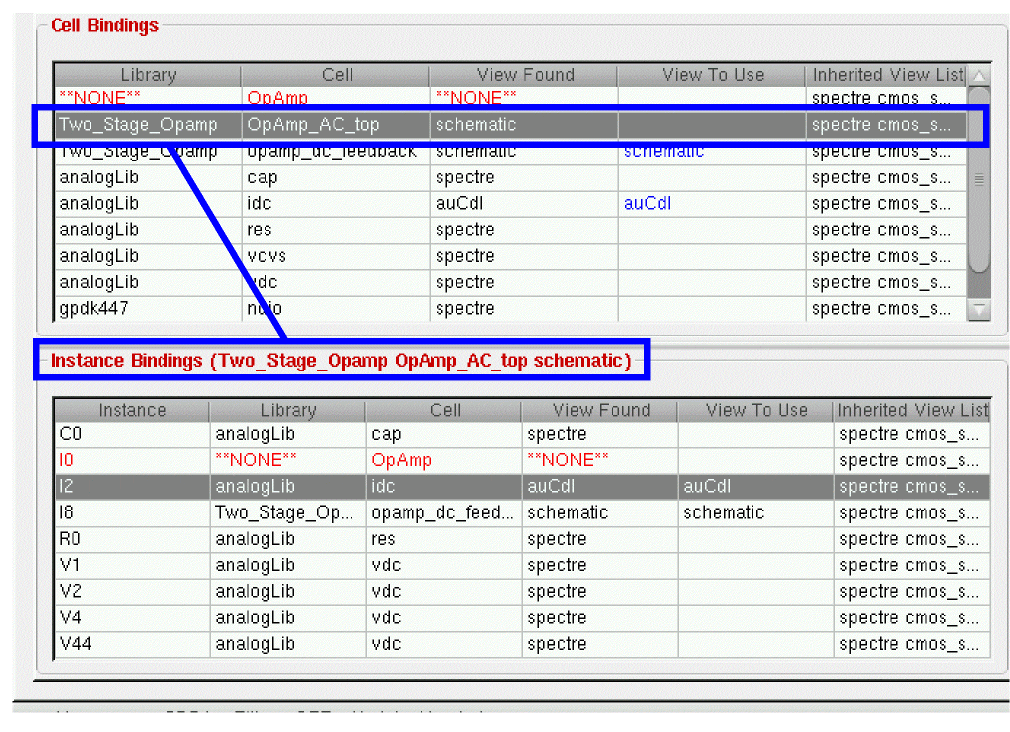
You can sort the instances in the Instance Bindings table by clicking on any of the column headings. You can also move the columns by clicking-and-dragging the column heading.
Right-clicking over the Instance Bindings table displays the same context-sensitive menu as displayed for the Cell Bindings table.
Related Topics
Displaying the Table View in Hierarchy Editor
Cell Bindings Table in the Table View Tab
Virtuoso Hierarchy Editor Editing Form
Virtuoso Hierarchy Editor Editing Form (Table View)
Return to top