
Log Files Creation
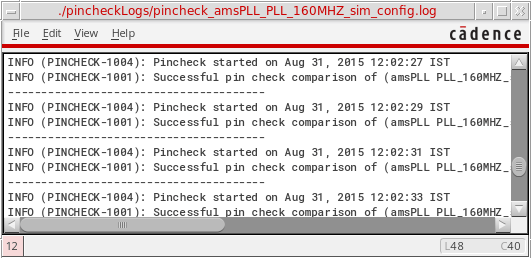
A log file with the name pincheck_<library name>_<cell name>_<view name>.log is created in the current working directory, by default. Here, <library_name; cell_name; view_name> are the library, cell, and view names of the current config window where pin checking has been performed. This log file contains the error and warning messages if the pin checker finds any issues during the pin checking operation. For successive pin checking operations, error and warning messages are appended in the log file. A log file window is also displayed showing the content of the log file.
For example, if you are working on a design where the library name is amsPLL, the cell name is PLL_160MHZ_sim, and the view name is config. Then, the Pin Check log file is created with the name, pincheck_amsPLL_PLL_160MHZ_sim_config.log.
To view the log file in a window, you need to select Pin Checker — View Log File. It shows the log file contents in a window.
Related Topics
Return to top