
Adding a Model File
To add a model file, perform the following steps.
-
Choose Tools – Setup Model Files. The Add/Edit Model Files form appears.
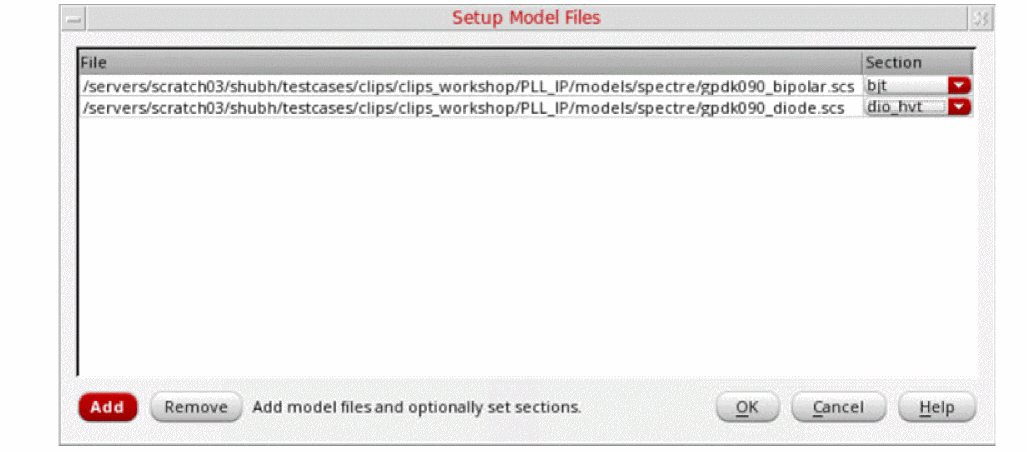
-
Click Add to open the file browser and select model files.
To remove an existing model file, select the file and click Remove.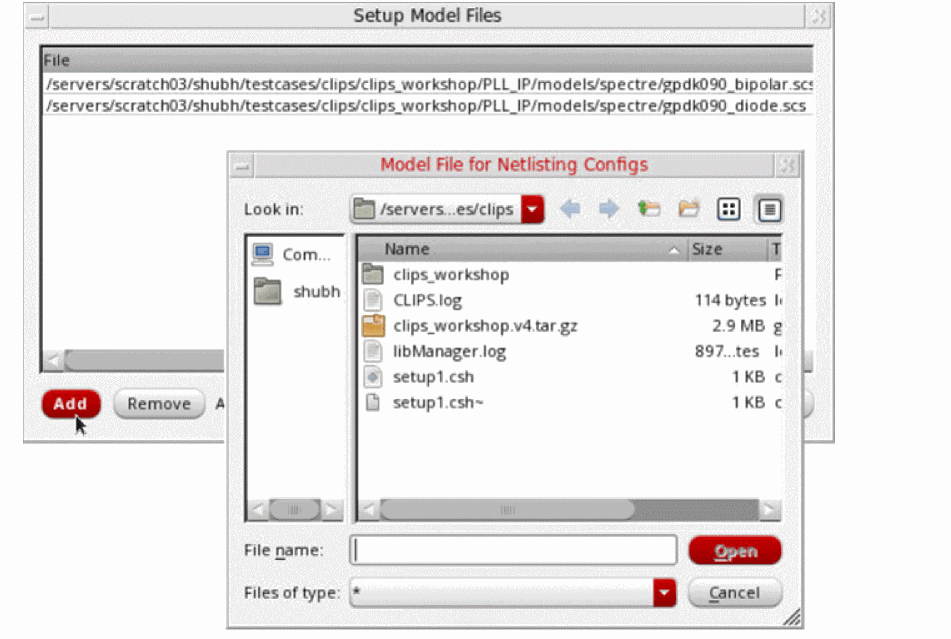
- Click OK.
Return to top