
Associating an Instance with a maestro Cellview
You can also attach the maestro cellview state in CLIPS. To do this,
-
Right-click an instance in the Hierarchy section and select Add/Edit Maestro Cellview.
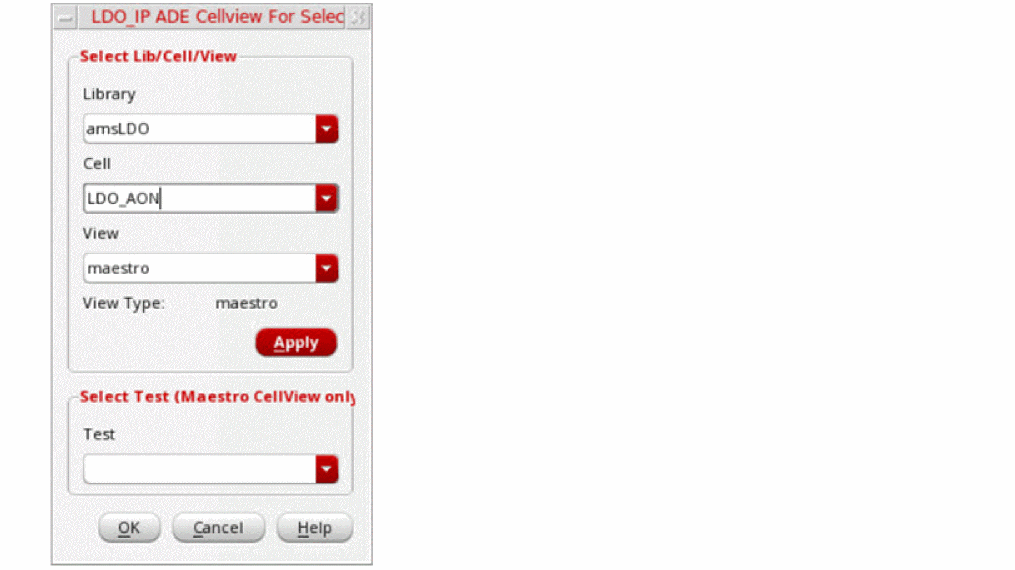
- In the View drop-down list, select the name of the maestro state to be associated with the instance and click Apply.
-
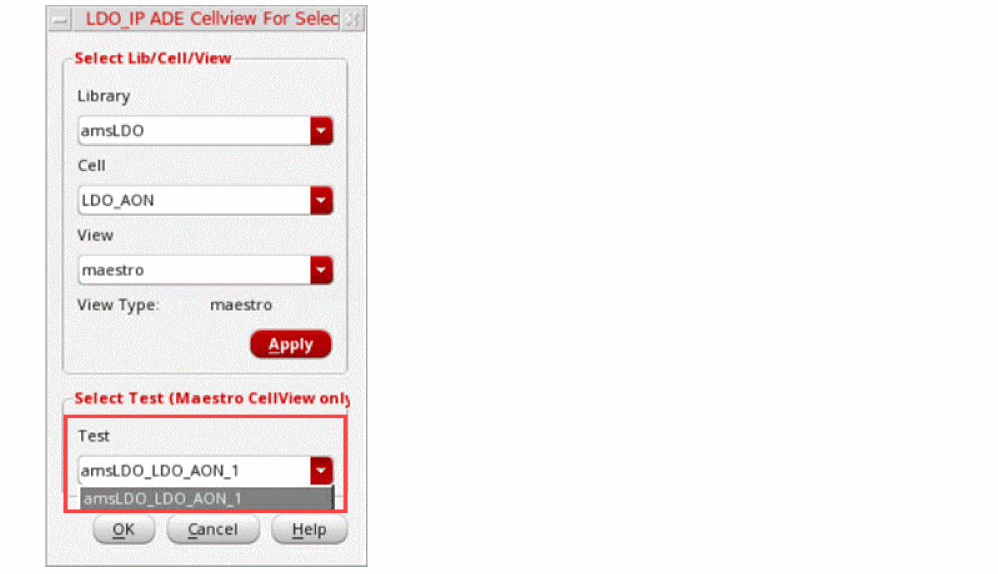
In the Test drop-down list select the name of the test associated with the specified maestro state and click OK.
- Click the Update command on the toolbar to update the hierarchy.
Return to top