|
Selection Mode
|
Controls the list of terminals, pins, and pin figures listed in the form. You can select one of the following options:
-
All: Lists all terminals, pins, and pin figures in the design. By default, this option lists all pins.
-
Selected Set: Lists only the terminals, pins, and pin figures that belong to the selected set in the design canvas.
|
|
Terminal Name, Pin Name, Net Name, Shorted Terminals
|
Specifies the criteria for filtering terminal, pin or net names based on the specified information. You can also filter out only those terminals that have been shorted.
|
|
Terminals(Groups)--Pins--PinFigures
(In Terminal mode)
|
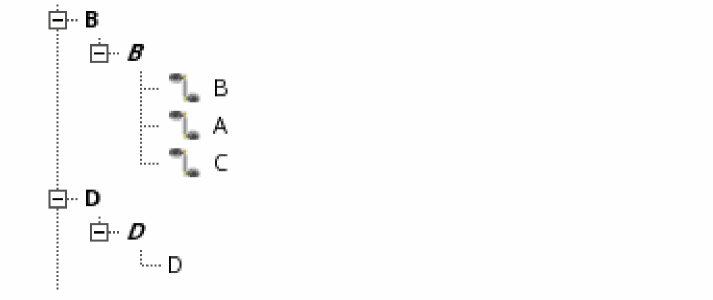
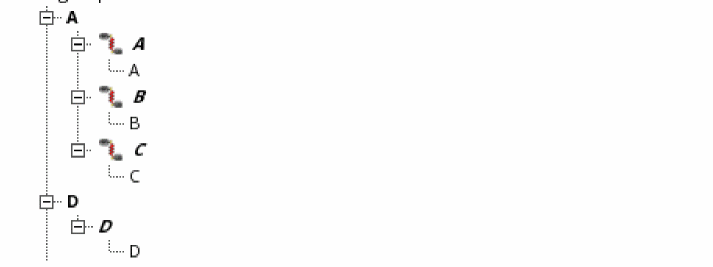
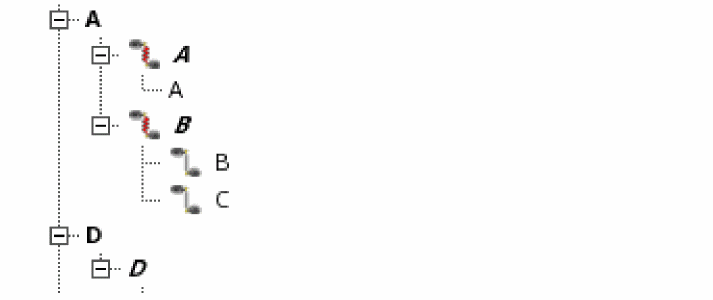
In Terminal mode, the header lists the terminals, pins, and pin figures in a tree structure. The second level in the tree structure lists the terminals in the design in bold, normal typeface, for example, A[(physical only|geometric_abut|ground)], which represents:
-
The terminal name
-
The physical configuration attribute (optional)
-
The route and pin connectivity method (optional)
-
The signal type (optional)
When you expand the first level, the pins in each terminal are displayed in bold, italic typeface; for example, A, B, C, D, E, F, Y, Z, gnd!, and vdd!.
When you expand the pins, the pin figures are displayed in normal typeface; for example, A, B, C, D, E, F, Y, Z, gnd!, and vdd!.
|
|
Nets--Terminals(Groups)--Pins--PinFigures
(In Net mode)
|
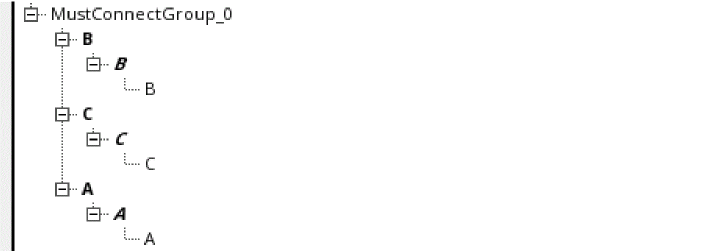
In Net mode, the header lists the nets, terminals, pins, and pin figures in a tree structure.
|