
Aligning Connected Pins in the Pin Tool
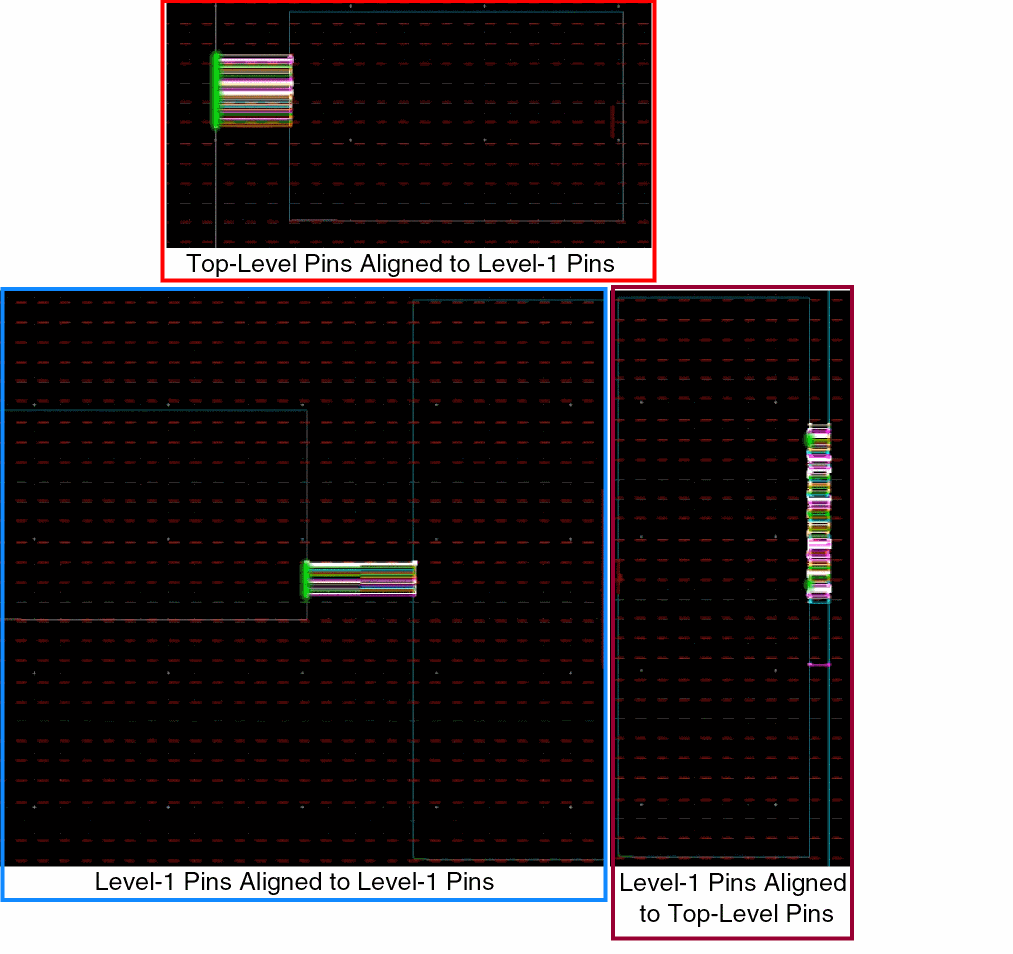
The Pin Tool provides an easy way to align connected top-level pins with level-1 pins, level-1 pins with level-1 pins, and level-1 pins with top-level pins from within the Pin Tool.
- Open the Pin Browser of the Pin Tool.
- Select the top-level or level-1 pins that need to be aligned to their connected pins. You do not have to explicitly select their connected pins.
- Right-click to display the shortcut menu.
- Select Align to Connected Pin.
The selected pins are automatically placed on the nearest edge and aligned to the connected pins, as shown in the following images.
Return to top