
Exporting Label Information to a Label File
To export label information from a reference design to a label file in the Pin Tool:
- Choose Plan – Pin Planning – Pin Tool. The Pin Browser is displayed.
-
Choose Tools – Label File – Export.
The Export Labels Information to File form appears.
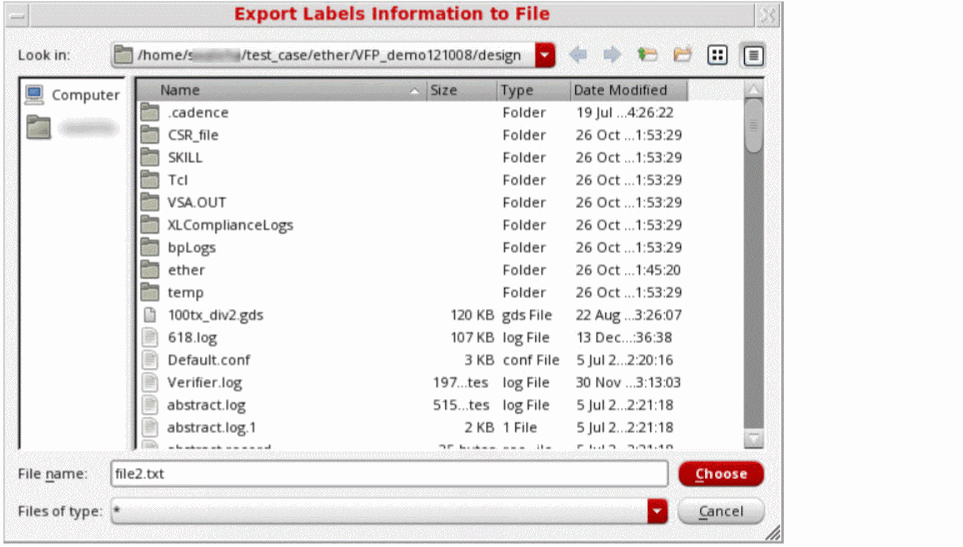
- Type a name for the exported label file in the File name field or select an existing file from the browser.
- Click Choose to save the label information in the specified file.
Label information from the current cellview is stored in the specified label file.
Related Topics
Export Labels Information to File Form
Return to top