
Importing Label Information from a Label File
To import label information from a label file into your current design in the Pin Tool:
- Choose Plan – Pin Planning – Pin Tool. The Pin Browser is displayed.
-
Choose Tools – Label File – Import.
The Import Label Info from File form appears.
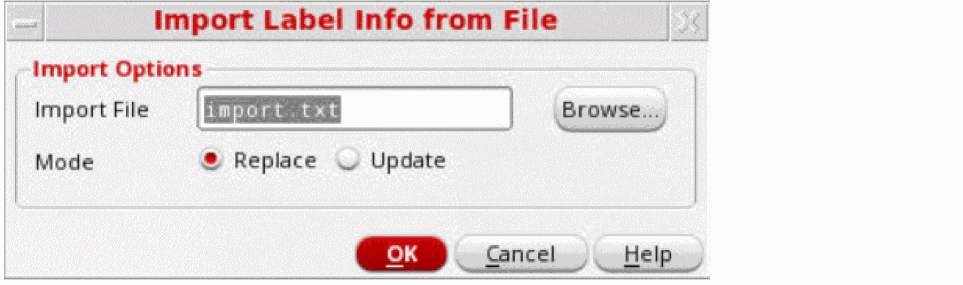
- Specify the required label file name in the Import File field. Alternatively, click Browse to choose the required text file.
- Select the Mode in which the labels are to be created.
- Click OK to generate labels based on the definitions in the selected label file.
Related Topics
Import Label Info from File Form
Return to top