Terminal Properties in Floorplan Property File
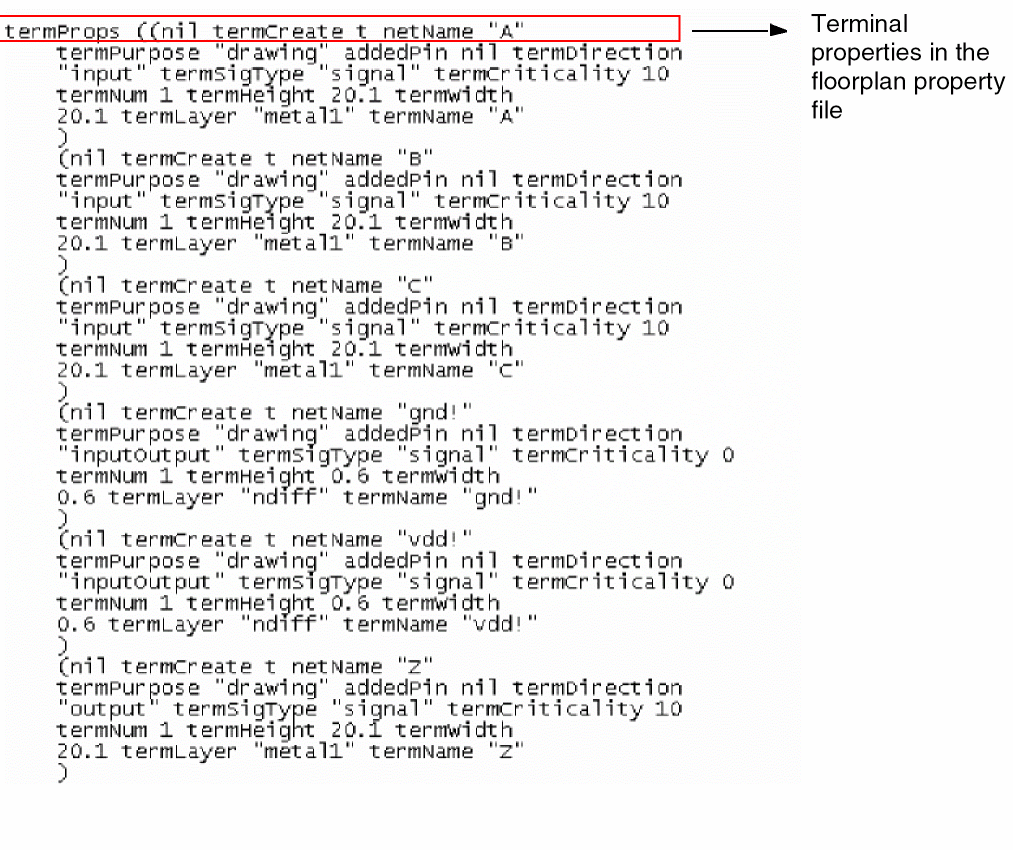
A floorplan property file is an extension used to store the configurable parameters of a floorplan and reuse those parameters to configure a new design. These properties are used to create soft blocks for the instances in the physical hierarchy. The image below shows an example of the properties that can be set for terminals in the design.
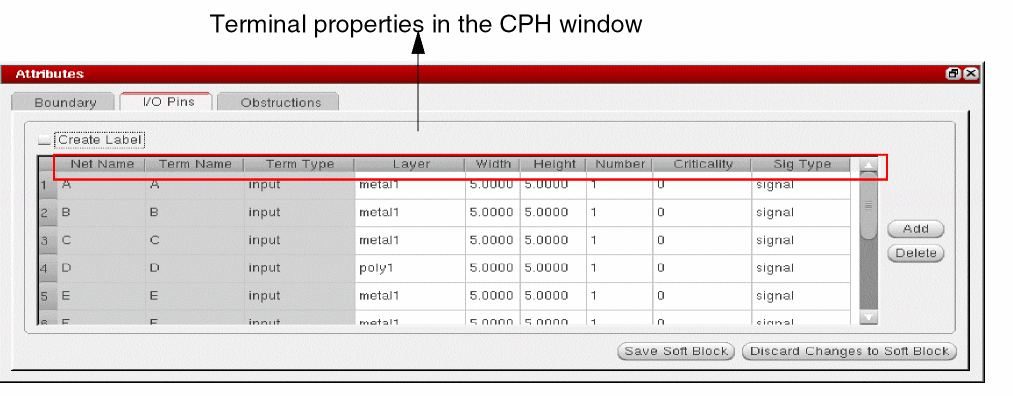
You can load a floorplan property file using the Configure Physical Hierarchy (CPH) window. The GUI equivalent of properties which are defined in the (CPH) window is displayed in the following image.
The following table lists the terminal properties, their GUI equivalents, and their descriptions:
|
Property Name
|
GUI Option
|
Description
|
|
termCreate
|
Create Label
|
Indicates whether or not to create a terminal. Label texts are derived from their terminal names.
|
|
netName
|
Net Name
|
The name of the net.
|
|
termName
|
Term Name
|
The name of the terminal.
|
|
termDirection
|
Term Type
|
Describes the direction of the terminal. The valid values are: "input", "output", "inputOutput", "switch", "jumper", and "unused".
|
|
termLayer termPurpose
|
Layer
|
Specifies the layer purpose name on which the pin figure is to be created.The valid values are the layers present in the technology data.
Environment Variable: initIOPinLayer
|
|
termWidth
|
Width
|
Defines the width of the pin to be created on a terminal. The valid values are all positive integer values.
|
|
termHeight
|
Height
|
Defines the height of the pin to be created on a terminal. The valid values are all positive integer values.
|
|
termNum
|
Number
|
Defines the number of pins to be created on a terminal. The valid range is from 1 to 20.
|
|
termCriticality
|
Criticality
|
Determines the criticality of the terminal. The valid value ranges from -128 to 128.
|
|
termSigType
|
Sig Type
|
Determines the signal type of the terminal. The valid values for the signal type are: "signal", "ground", "supply", "clock", "analog", "tieOff", "tieHi", "tieLo", "scan", and "reset".
|
Related Topics
Master Properties in Floorplan Property File
Halo Properties in Floorplan Property File
Return to top