
Loading and Saving a Floorplan Property File
To load values from a floorplan property file into the Configure Physical Hierarchy (CPH) window:
-
Choose Launch – Configure Physical Hierarchy from the layout window.
The CPH window is displayed. -
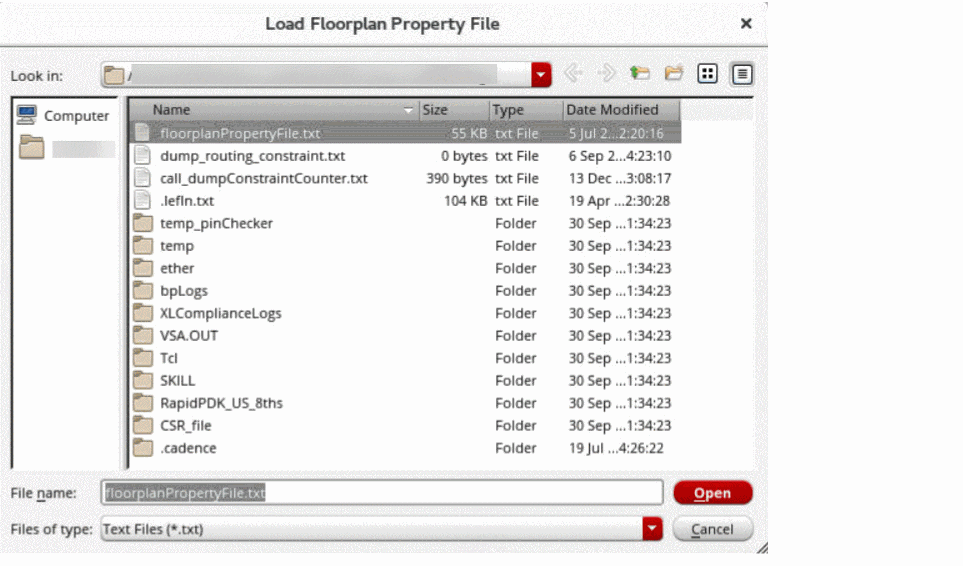
Choose File – Load – Floorplan File to open the Load Floorplan Property File form.
-
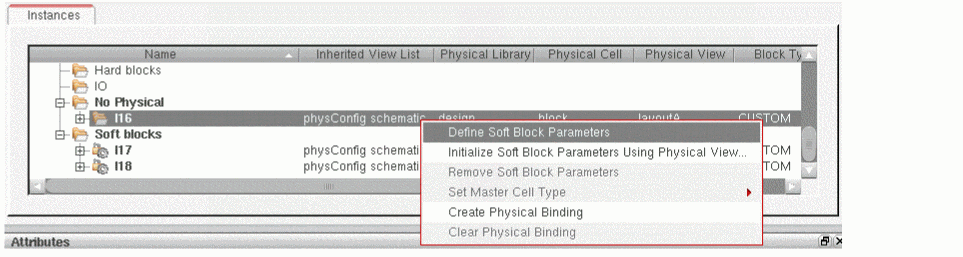
On the Instances tab of the CPH form, right-click the instance and choose Define Soft Block Parameters to define the soft block properties, such as boundary, pins, and halo blockages, for a selected instance.
-
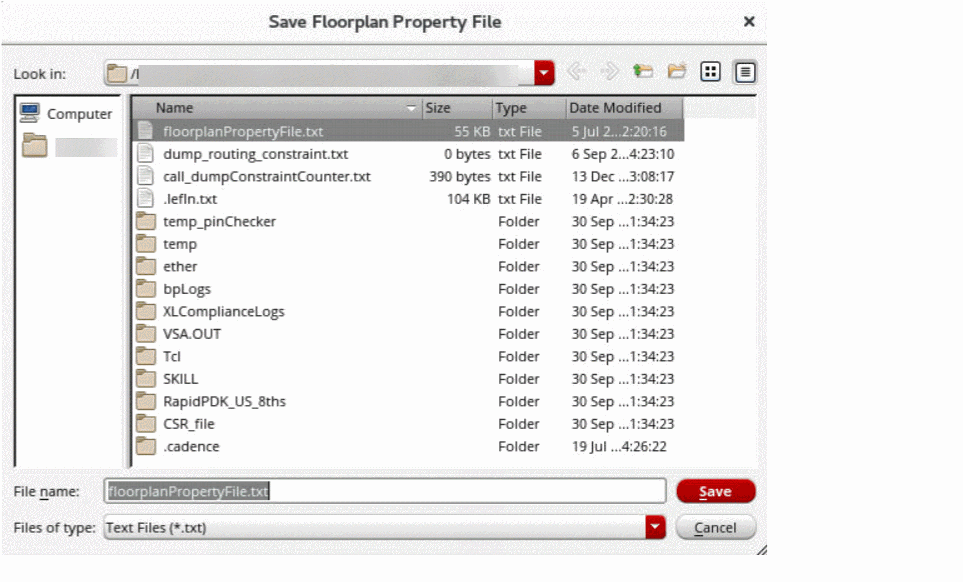
Choose File – Save Floorplan File to save the soft block properties in a property file.
-
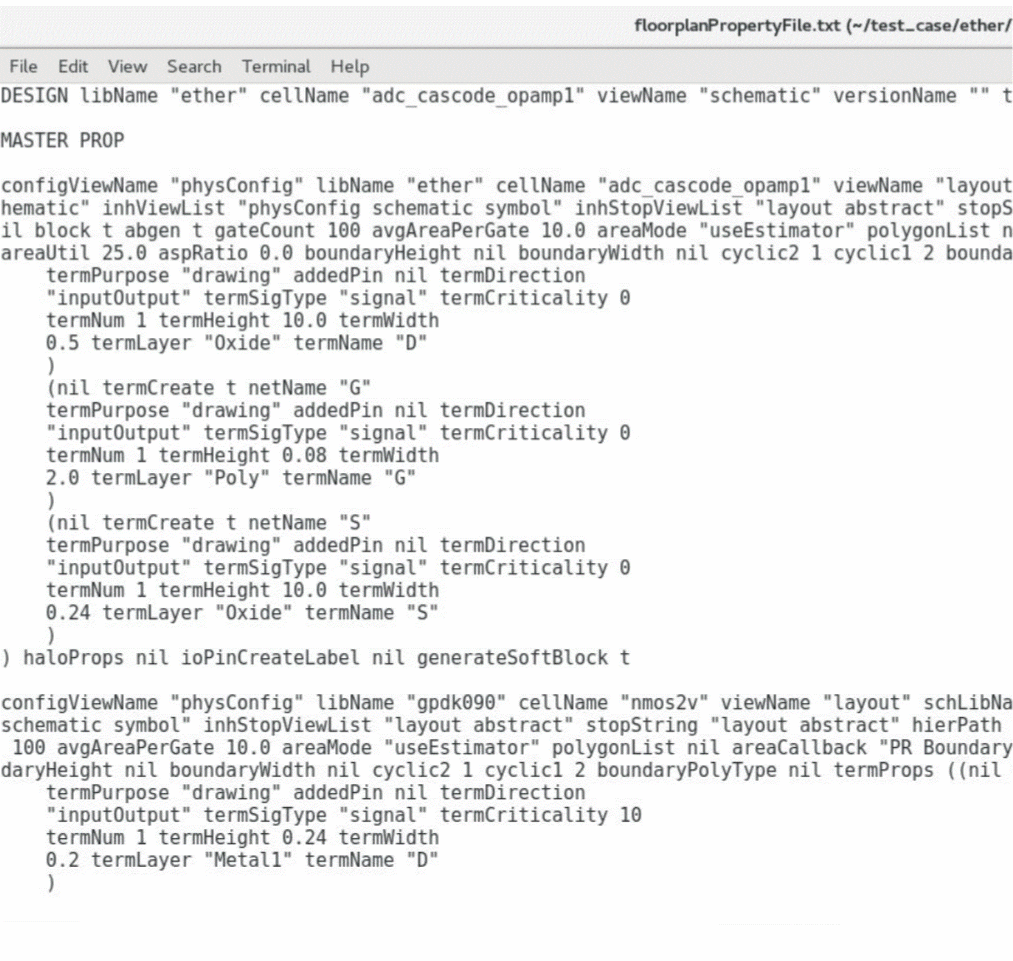
Type
viproperty_name in the command interpreter window to view the floorplan property file.

The floorplan property file appears as shown in the figure below:
Related Topics
Master Properties in Floorplan Property File
Terminal Properties in Floorplan Property File
Halo Properties in Floorplan Property File
Return to top