
Opening the Library Path Editor
To open the Library Path Editor:
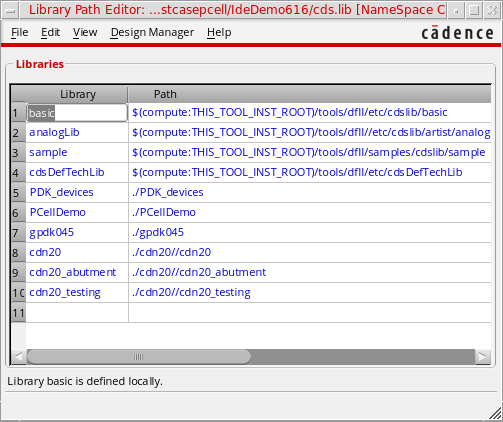
The Library Path Editor lets you view and edit the information in your cds.lib file, which defines the location of the reference and design libraries you want to use in your design.
Related Topics
Return to top