
Editing All Items in a column
To copy text from one item to all items in the same column, do the following:
-
Right-click the item you want to copy.
The pop-up menu appears.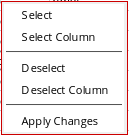
-
Choose Select column.
All items in the column are selected.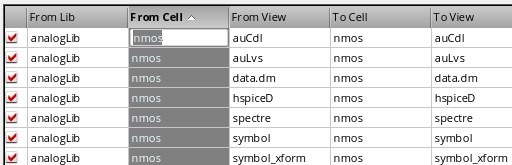
- Type your changes.
- Right-click in the column to display the pop-up menu.
- Choose Apply Changes.
Your changes are applied to all items in the selected column.
While you can make global changes across rows or columns, you are more likely to make global changes across columns.
Related Topics
Selecting Items for Editing in the Copy Wizard
Return to top