
Deleting a Category Using Library Manager
To delete a category, follow these steps:
- Select the category you want to delete.
-
Choose Edit – Categories – Delete.
The Delete Category message prompt appears.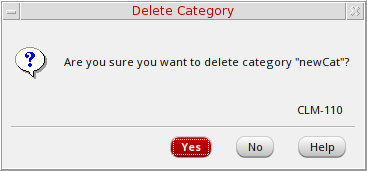
- Click Yes.
The Library Manager deletes the category.
Related Topics
Editing a Category Using Library Manager
Return to top