You must configure licensing before using Cadence products. When you start a product, a license gets checked out from a license server. The license server determines which products are available and distributes licenses on a first-come, first-served basis until all licenses for a given product are in use. When you exit the product, the license is returned to the license server.
To configure the user's workstation:
- Run Start > Cadence > License Manager > License Client Configuration Utility.
- Specify the port and hostname information for your license server using the port@host format.
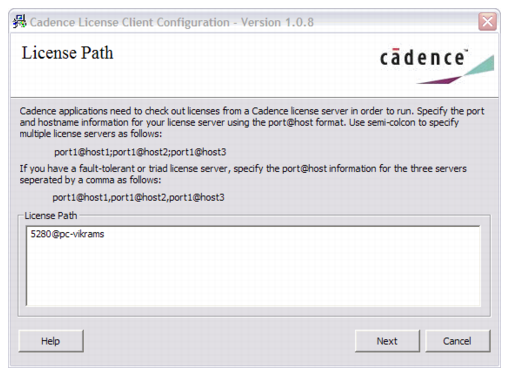
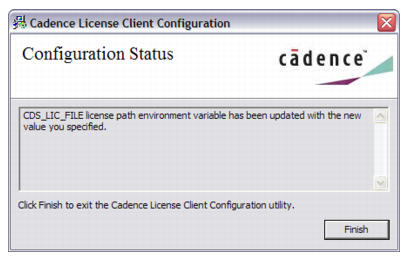
- Click Next to complete the configuration process.