
Opening the Array Assistant During Interactive Placement
(Layout EXL and Higher Tiers) The Auto P&R assistant lets you create Modgens after running the placer—as part of interactive placement. To do this:
- Select the Context Menu icon on the toolbar of the Auto P&R assistant.
- Select the required Modgens or devices in the layout canvas. A context menu is displayed.
- If you have selected devices in the layout canvas, select Group to create a group that includes the selected devices. If you have selected Modgens, skip this step.
-
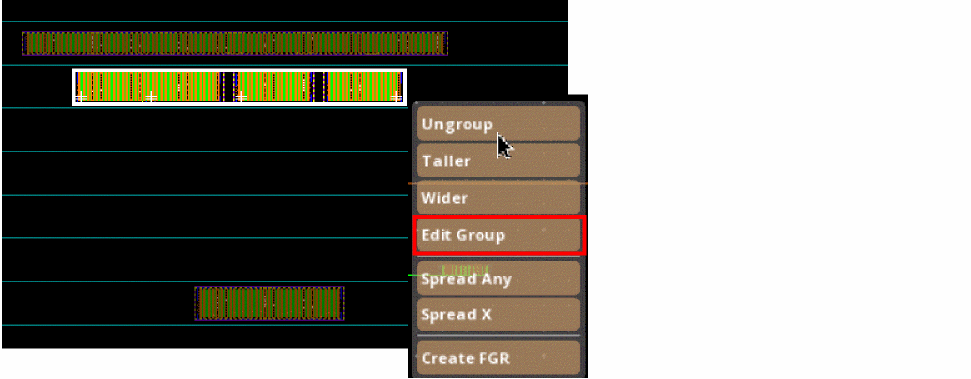
Select Edit Group from the context menu. The Array Assistant appears.
Related Topics
Automatic Generation of Modgens using the Array Assistant
Opening Array Assistant From the Constraint Manager
Opening Array Assistant During Device Placement
Return to top