
Viewing Snapshots Information
Snapshot content is only readable by Pegasus. Therefore, this feature not only allows you to query the overview of the active snapshot, but also generates a comprehensive snapshot storage location overview.

This inquiry utility contains three drop-down items on the Pegasus Interactive Run Option icon:
To view the header of the current active snapshot, info can be printed out in CIW after clicking INFO: Print Current Snapshot Header.
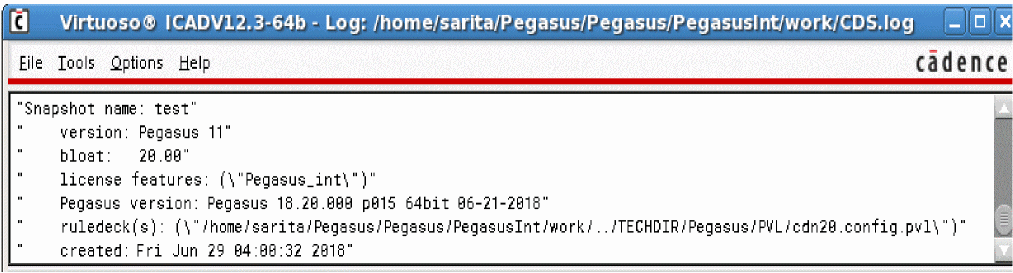
For each component listed in snapshot header, the detail of usage is documented in the following table:
Snapshot Header Overview| Header Info | Description |
|---|---|
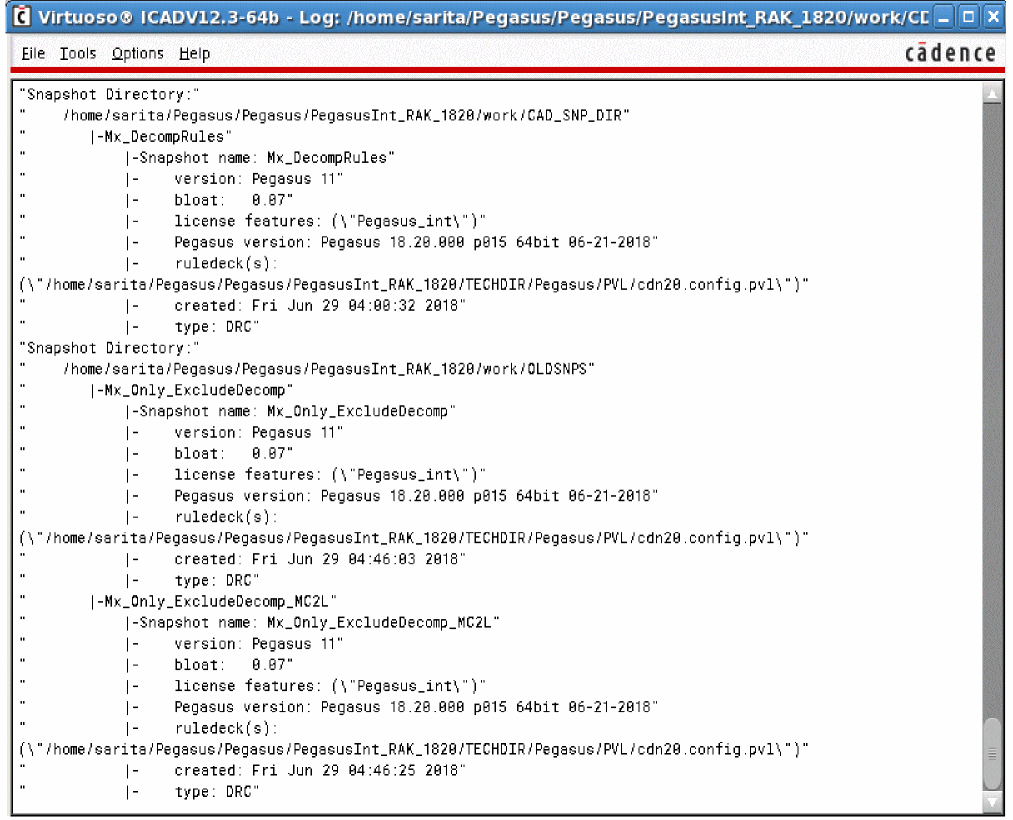
You can print all available snapshots’ header information and locations where they are stored into by invoking INFO: Print All Snapshot Locations. Pegasus Interactive composes a snapshot lookup map and populates this information in CIW. It is grouped by snapshot directory. Following figure shows lookup map outline.
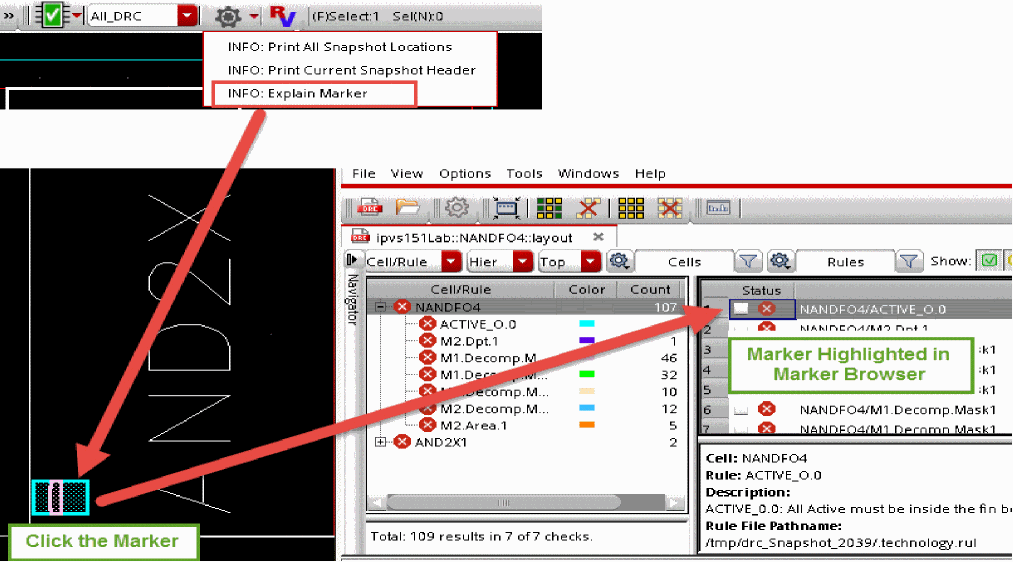
The INFO: Explain Marker option allows you to select a marker in the layout viewer and that marker will then be highlighted in the Marker Browser window.
The Snapshot inquiry utility can be de-activated through shell variable PegasusInt_Info no.
Return to top